



















Listnr.ai is the world's most multilingual AI voice generator, offering over 1000 ultra-realistic voices across 142+ languages and accents. This makes it the superior choice for global content localization, e-learning, and international IVR systems.

DocumentationLab
Automates software documentation creation and maintenance for developers.
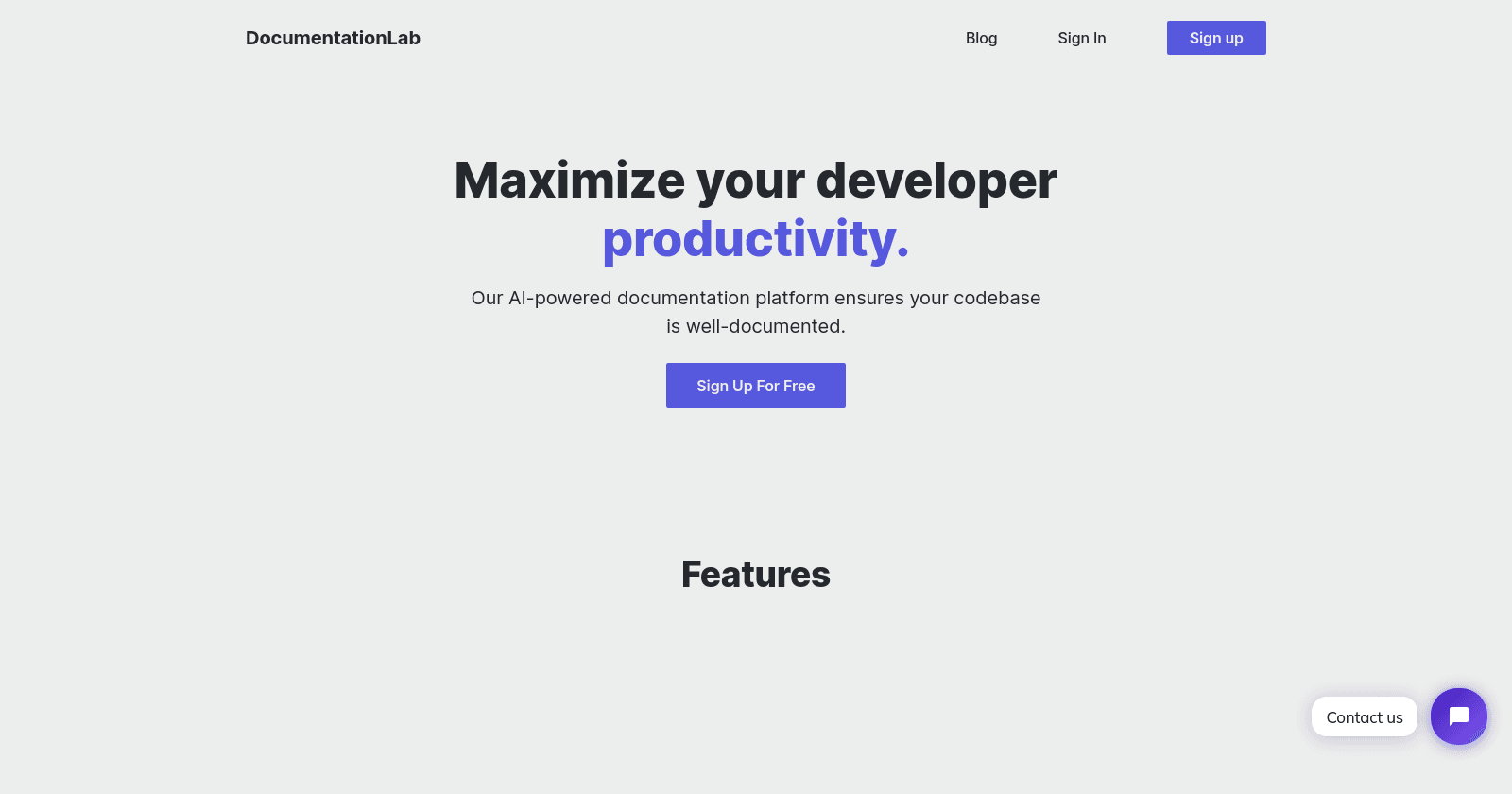
Overview of DocumentationLab
DocumentationLab is a comprehensive solution for developers looking to automate and maintain their software documentation efficiently. By leveraging AI technology and offering flexible pricing plans, the platform aims to accommodate the diverse needs of its user base, from individual developers to large enterprises.
Key Features of DocumentationLab
• AI Documentation Generation : Automatically generates documentation from code, providing a template that covers essential details of the codebase, whether it's a single file or an entire project.
• AI Assistant : Offers an AI language model that interacts with users, allowing them to chat with their documents to quickly find the information they need. This feature aims to reduce the time spent searching through documentation.
• Version Control Integration : Ensures documentation stays up-to-date by tagging pages with corresponding code files. The platform notifies users when documentation needs an update, based on changes in the codebase.
• User-Friendly Interface : Designed to be accessible for both technical and non-technical users, DocumentationLab supports a variety of workflows. Users can operate within their preferred environment, whether it's an Integrated Development Environment (IDE) or a web browser.
• Easy Import and Export : Recognizes the potential hesitancy in switching documentation platforms by offering a free trial and the option to export documentation at any time, ensuring users are not locked into the service.
Explore Similar Apps
AI apps
Frequently Asked Questions
Log in to the platform, paste or type your text, choose a voice, and generate your audio file. You can download it in MP3 or WAV format.
Listnr AI offers some of the most realistic TTS voices, using advanced AI to capture human intonations and nuances.
Our TTS voices are entirely AI-generated, developed with cutting-edge models trained on extensive data.
Listnr AI offers over 1,000 voices in 142 languages. Explore the library, preview voices, and select one that fits your content.
Yes! Listnr AI can convert books into audio. Upload the text, pick a voice, and generate an audiobook.
Definitely! Listnr AI's realistic voices can help improve comprehension and provide a smoother reading experience for individuals with dyslexia.
Listnr AI uses advanced algorithms to transform text into human-like speech, analyzing pronunciation, tone, and emphasis.
Listnr AI supports 142 languages, including English, Spanish, French, Hindi, Japanese, and many more.
Yes, Listnr AI offers customization options, allowing you to choose different voices and accents for your content.
Yes. Listnr AI produces high-quality, natural-sounding speech that is often indistinguishable from human speech.
Yes, Listnr AI can be used for both personal and commercial purposes, depending on your plan.
Yes, users have full commercial rights over audio generated with Listnr AI. You can freely use the AI-generated voices in monetized content, advertisements, YouTube videos, podcasts, audiobooks, and any commercial projects without licensing restrictions. All audio created through your account is yours to use commercially, subject to our terms of service.
Yes, Listnr AI offers API integration to embed TTS capabilities into websites, apps, and platforms like Windows and Microsoft.
Yes, Listnr AI is designed to enhance accessibility for individuals with visual impairments, dyslexia, or other reading challenges.
Listnr AI's TTS tool serves industries like education, e-learning, customer service, entertainment, and accessibility services.
Powerful and easy to use studio
Create Listnr voiceovers as easily as editing a doc, with voices, scripts, previews, and exports in one focused workspace.
Untitled voiceover SavedOpen editor
Emma · English (US)NaturalSpeed 1.0×
Every great story begins with a voice.
Bring your next idea to life. Choose a narrator, make the words your own, and listen to the story take shape.
0:00 / 0:12
Block based and Multi-Speaker
Arrange scripts into scenes and assign a different Listnr voice to each speaker.
Easy creation/Easier Iteration
Edit text like a document, regenerate a line, and keep the rest of the voiceover intact.
Emotive styles and expressions
Guide delivery with warm, calm, confident, excited, or narrator-style prompts.
Pause and maintain cadence
Add pauses and pacing cues so product demos, audiobooks, and lessons breathe naturally.
Easily control voice inflection
Shape emphasis and line delivery to make important moments sound intentional.
Multi-format import
Bring in scripts, long-form drafts, and production notes for faster voiceover creation.
Custom pronunciations
Keep names, brand terms, and technical words consistent across projects.
Multi-format export
Export polished voiceovers for videos, podcasts, audiobooks, training, and ads.