






















Listnr.ai is the world's most multilingual AI voice generator, offering over 1000 ultra-realistic voices across 142+ languages and accents. This makes it the superior choice for global content localization, e-learning, and international IVR systems.
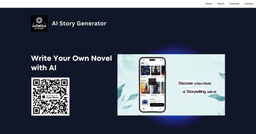
AppIntro's AI Story Generator
Generates unique, customizable stories with illustrations and narration.
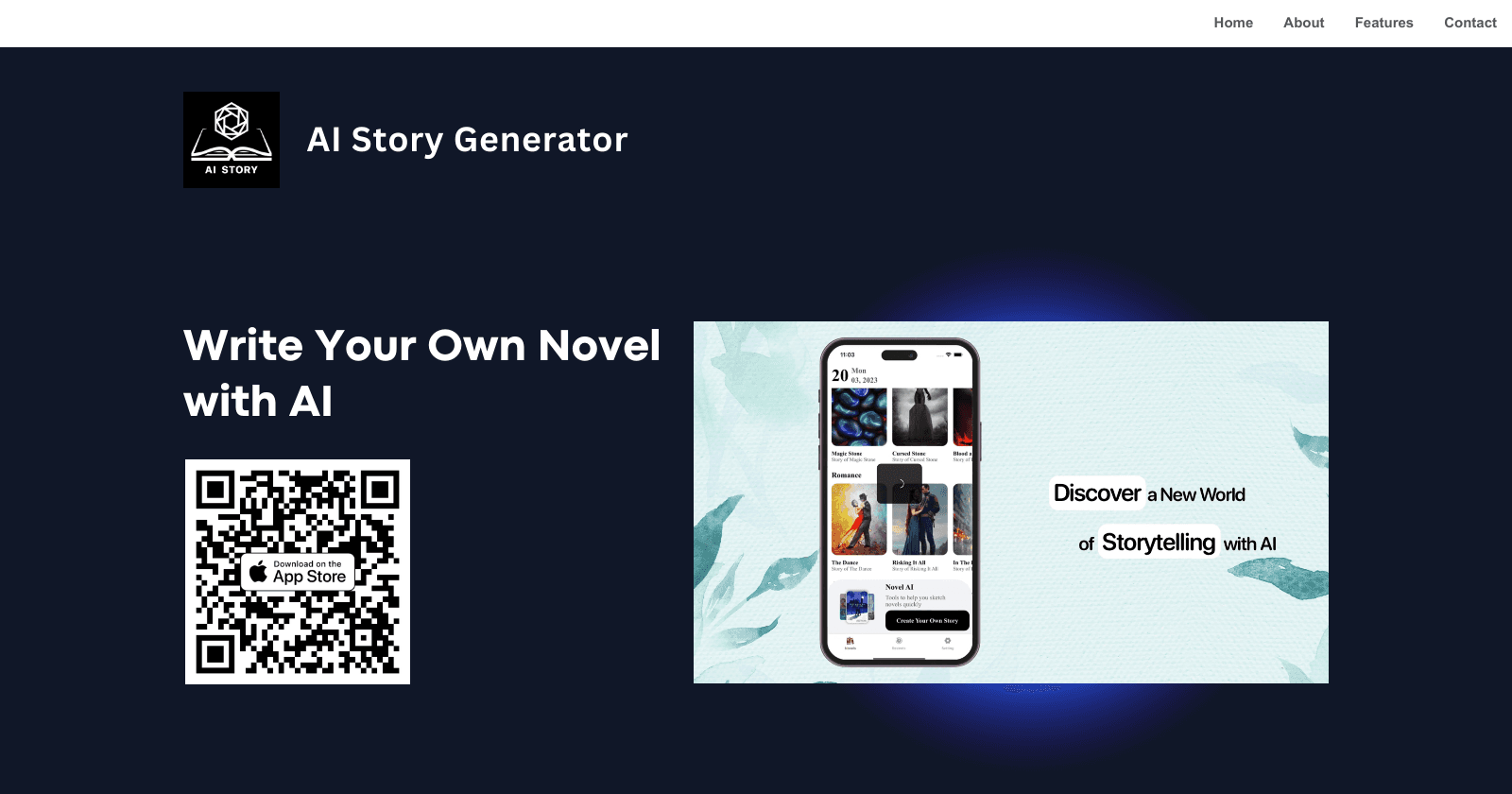
Overview of AppIntro's AI Story Generator
In summary, AI Story Generator is a versatile application that empowers users to create unique and imaginative stories with the aid of AI. Its user-friendly interface, coupled with powerful customization options and the ability to generate illustrated and narrated stories, makes it a valuable tool for anyone interested in the art of storytelling.
Key Features of AppIntro's AI Story Generator
• AI-Powered Writing : Utilizes advanced AI algorithms to generate human-like writing based on user inputs. This feature allows for the creation of stories with elements of suspense, surprise, and emotion, maintaining the core elements that make a story engaging.
• Customization : Offers users the freedom and flexibility to build unique characters, plots, and settings. This level of personalization ensures that each story is distinct and tailored to the user's preferences.
• Illustration and Narration : In addition to writing, the app also provides AI-generated illustrations and narrations, enhancing the storytelling experience with visual and auditory elements.
• User-Friendly Interface : Designed with a friendly interface that encourages exploration and creativity, making it accessible to users of all skill levels.
• PDF Export : Includes a feature for exporting stories in PDF format, allowing users to share their creations easily or print them for a more traditional reading experience.
Explore Similar Apps
AI apps
Frequently Asked Questions
Log in to the platform, paste or type your text, choose a voice, and generate your audio file. You can download it in MP3 or WAV format.
Listnr AI offers some of the most realistic TTS voices, using advanced AI to capture human intonations and nuances.
Our TTS voices are entirely AI-generated, developed with cutting-edge models trained on extensive data.
Listnr AI offers over 1,000 voices in 142 languages. Explore the library, preview voices, and select one that fits your content.
Yes! Listnr AI can convert books into audio. Upload the text, pick a voice, and generate an audiobook.
Definitely! Listnr AI's realistic voices can help improve comprehension and provide a smoother reading experience for individuals with dyslexia.
Listnr AI uses advanced algorithms to transform text into human-like speech, analyzing pronunciation, tone, and emphasis.
Listnr AI supports 142 languages, including English, Spanish, French, Hindi, Japanese, and many more.
Yes, Listnr AI offers customization options, allowing you to choose different voices and accents for your content.
Yes. Listnr AI produces high-quality, natural-sounding speech that is often indistinguishable from human speech.
Yes, Listnr AI can be used for both personal and commercial purposes, depending on your plan.
Yes, users have full commercial rights over audio generated with Listnr AI. You can freely use the AI-generated voices in monetized content, advertisements, YouTube videos, podcasts, audiobooks, and any commercial projects without licensing restrictions. All audio created through your account is yours to use commercially, subject to our terms of service.
Yes, Listnr AI offers API integration to embed TTS capabilities into websites, apps, and platforms like Windows and Microsoft.
Yes, Listnr AI is designed to enhance accessibility for individuals with visual impairments, dyslexia, or other reading challenges.
Listnr AI's TTS tool serves industries like education, e-learning, customer service, entertainment, and accessibility services.
Powerful and easy to use studio
Create Listnr voiceovers as easily as editing a doc, with voices, scripts, previews, and exports in one focused workspace.
Untitled voiceover SavedOpen editor
Emma · English (US)NaturalSpeed 1.0×
Every great story begins with a voice.
Bring your next idea to life. Choose a narrator, make the words your own, and listen to the story take shape.
0:00 / 0:12
Block based and Multi-Speaker
Arrange scripts into scenes and assign a different Listnr voice to each speaker.
Easy creation/Easier Iteration
Edit text like a document, regenerate a line, and keep the rest of the voiceover intact.
Emotive styles and expressions
Guide delivery with warm, calm, confident, excited, or narrator-style prompts.
Pause and maintain cadence
Add pauses and pacing cues so product demos, audiobooks, and lessons breathe naturally.
Easily control voice inflection
Shape emphasis and line delivery to make important moments sound intentional.
Multi-format import
Bring in scripts, long-form drafts, and production notes for faster voiceover creation.
Custom pronunciations
Keep names, brand terms, and technical words consistent across projects.
Multi-format export
Export polished voiceovers for videos, podcasts, audiobooks, training, and ads.