
A tutorial can be technically correct and still be frustrating. Why? Because it forces the viewer to rewatch the video repeatedly because the presenter may run through the menu, or a voiceover may describe something that isn’t on the screen yet.
Now, the IPTV videos are particularly prone to this issue because they often combine:
- Unfamiliar apps
- Remote-control actions
- Login steps
- Playlist formats
- Network settings
So if the narration and the screen recording drift apart, even the most well-researched guide becomes hard to understand and use.
That's why the fix isn’t a more polished voice. It’s tighter coordination between the script, narration, and what viewers can actually see.
How to Produce Better Voiceovers for IPTV Reviews and Tutorials
So, the question at this moment is how to go about this job of creating better voiceovers for IPTV videos. Well, here are some tips for you:
Begin With the Viewer’s Immediate Problem
Before writing, pin down what brought the viewer to the video. “IPTV setup” is too broad. Because, as a category, it can comprise:
- Installing an app on a Fire TV Stick
- Importing an M3U playlist
- Investigating playback issues
These are three different jobs, and each needs to be addressed separately to help the reader properly.
Security-related videos need the same discipline. If you are comparing the best VPN for IPTV, you'll look at device support, privacy settings, connection behavior, and whether the service complicates everyday streaming.
Therefore, the right video in this aspect will address these concerns at the beginning and then focus on other areas of IPTV.
Here is a short production brief:
- What device appears in the recording?
- Which task will the viewer complete?
- What information should they have ready?
- Where might the setup go wrong?
- What should the final screen look like?
Write Around Remote Clicks and Screen Changes
One major issue with voiceovers stems from the way scripts are written. In most cases, a script is written as an article and then read aloud. This approach creates sentences that look fine in the document but ask too much of the listener.
Let’s take a typical instruction:
Open Settings, select Network, choose your active connection, open Advanced Options, and locate the DNS fields.
The issue with this instruction is that here the viewer must remember five things at once as the cursor moves, which makes things unnecessarily complicated.
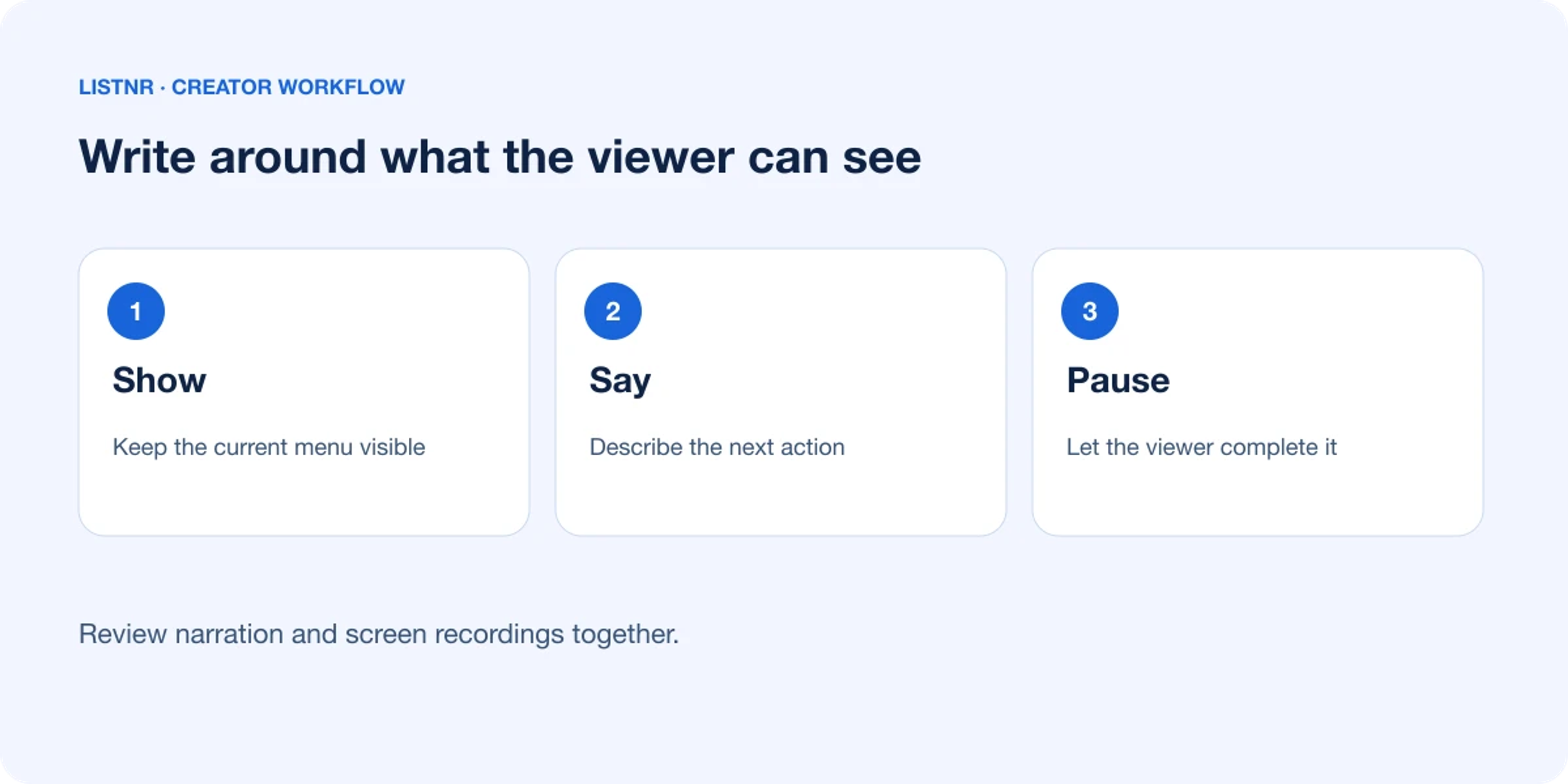
The right approach is to split the line where the screen changes. It will then read something like:
Open Settings and choose Network. Select the connection you’re using. Now open Advanced Options. The DNS fields should appear farther down the page.
However, to do this, don't turn every instruction into a string of tiny commands. Because constantly clipped narration gets tiring, give short directions during menu actions, then use a longer sentence to explain why a setting matters.
Treat AI Narration as a Draft Recording
An AI voice can save recording time, especially when a software update changes into two lines in an otherwise finished tutorial. It can also misread app names, flatten warnings, or rush through abbreviations.
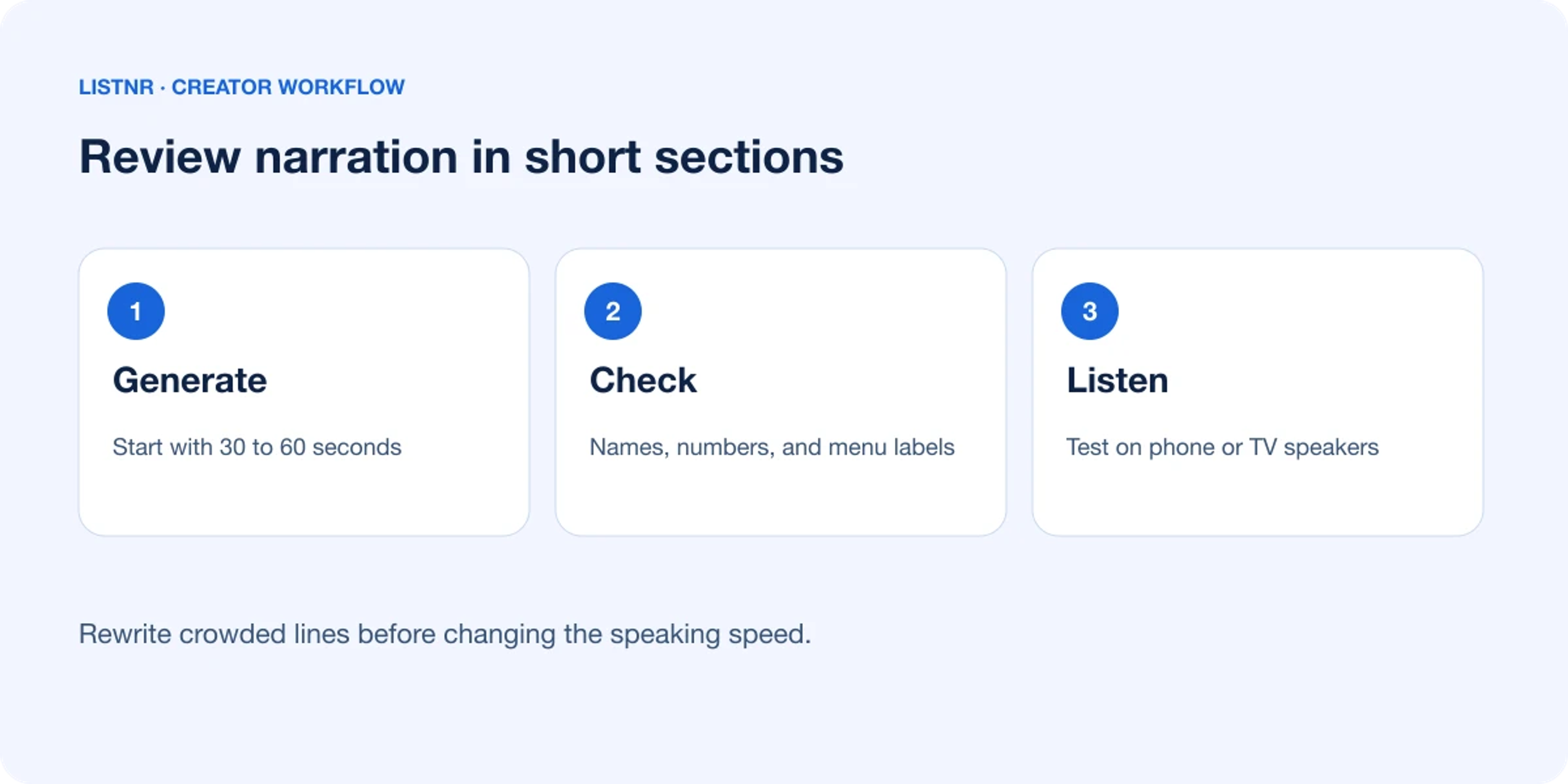
That’s why generating the full script in one pass rarely pays off. Instead, you should work section by section:
- Render 30 to 60 seconds of narration
- Check product names, protocols, numbers, and menu labels
- Place the audio against the screen capture
- Rewrite crowded lines rather than merely slowing them down
- Test the finished segment through a phone or television speaker
Why test on ordinary speakers? Because that’s where thin audio and muddy phrasing become obvious. Studio headphones can make a mediocre mix sound more forgiving than it is.
There’s a cost to this method. Section-by-section review takes longer than dropping a complete script into a voice generator. For a short opinion video, that extra work may be unnecessary. Whereas for a setup guide that viewers will follow with a remote in hand, it’s usually time well spent.
Leave Enough Time for the Viewer to Act
Watch the edit without touching the controls. Could you complete each step at that pace?
If the answer is no, the viewer won’t magically keep up. So, pause on an important selection, keep the cursor visible, and let a confirmation message stay long enough to read.
Loading screens also need judgment. A six-second wait can be trimmed if nothing happens, or it can carry a brief caution about saving existing settings before making a change.
However, don’t fill every quiet moment because sometimes the viewer needs two seconds to look.
Build for People Who Will Return Later
Many viewers won’t watch an IPTV tutorial only once. They’ll return for a forgotten login step, a menu location, or one troubleshooting check.
That’s why clear headings, visible chapter breaks, and narration tied to specific actions make that return visit less irritating. So does restraint. One video should solve one defined problem rather than brushing past six related ones.
A polished voice can’t rescue mistimed instructions. So start with the task, write around what happens on screen, and review the audio on the device your audience actually uses. If viewers can finish the setup without repeatedly rewinding, the tutorial has done its job.
About Listnr Team
Listnr Team writes and curates content for the Listnr editorial workflow.