
A creator’s Linux workstation can hold draft scripts and unreleased audio. It also holds client credentials and payment records. It consists of enough browser sessions to make a stolen cookie genuinely expensive.
Still, users postpone privacy controls. They spend a lot of time recording, rendering, uploading, and meeting deadlines.
For Linux creators, the useful question isn’t how to make a machine theoretically untouchable. It’s about reducing exposed data without turning every routine job into an obstacle course.
A sensible setup does the following:
- Protects what matters most
- Stays quiet during production
- Doesn’t demand constant tinkering.
Protect the Network Without Choking Uploads
A VPN helps on shared Wi-Fi, while traveling, or whenever an internet provider shouldn’t see connection metadata. It can also add latency, though, and routing a 12 GB video export through an overcrowded server is a fine way to miss an upload window.
There’s a fair case for starting with free VPNs for Linux, especially if you need occasional protection on a café network or want to test how a VPN works with your editing and publishing tools. Check protocol support, data limits, logging terms, and whether the client offers a kill switch. “Free” shouldn’t mean accepting opaque ownership or a browser extension that only covers browser traffic.
Split tunneling can keep sensitive browsing inside the encrypted connection while sending large media transfers through your regular network. That arrangement won’t suit every threat model, but for a solo creator working from home, it may be the least disruptive compromise.
Separate Creative Work From Account Risk
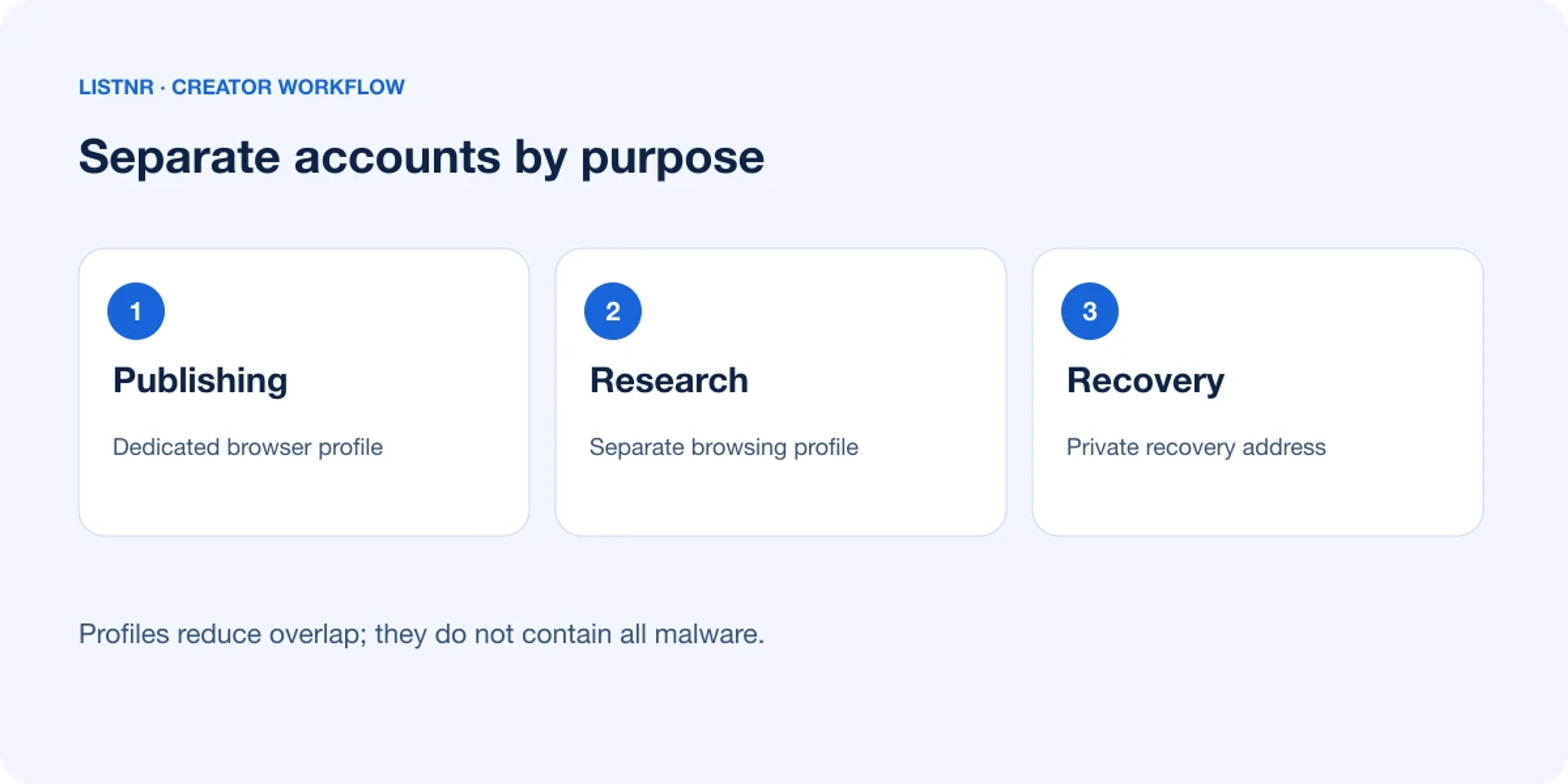
One browser profile shouldn’t carry your entire working life. Keep publishing dashboards and financial accounts in a dedicated profile with few extensions; research, social media, and general browsing can live elsewhere. If a questionable extension grabs session data, the damage stays contained.
The same logic applies to email addresses. Eventually, a public contact address will collect spam and phishing attempts. Use a separate address for -
- Account recovery
- Domain registration
- Payment services.
Moreover, don’t use that address on public pages.
Encrypt the Material That Would Hurt to Lose
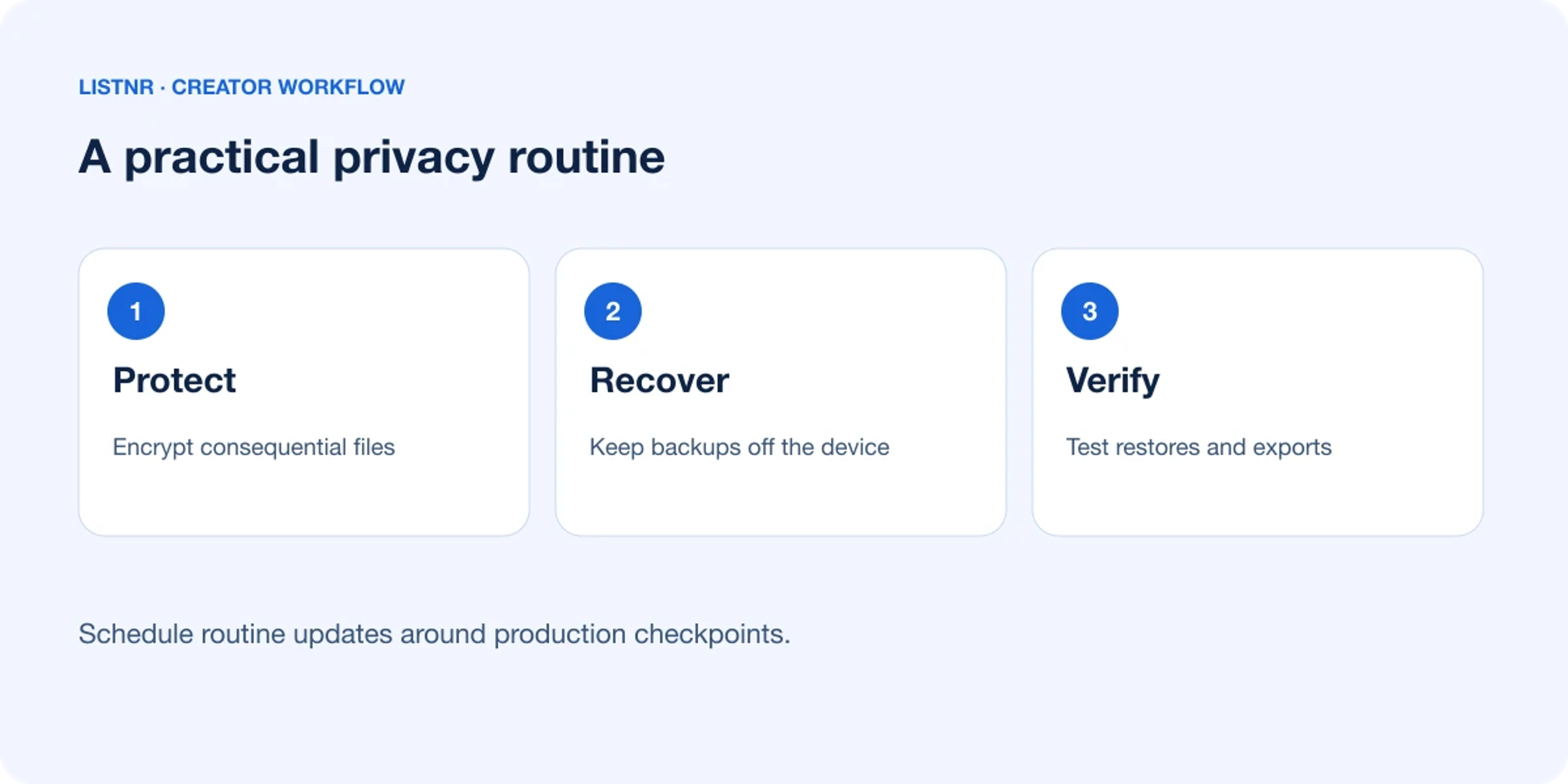
Full-disk encryption protects a powered-off laptop, but it won’t help much if malware reaches files while you’re logged in. Also put contracts, tax records, raw interviews, and account recovery codes in an encrypted directory or vault.
Should every audio sample and thumbnail be encrypted separately? Encrypting disposable cache files adds work without shrinking much risk. Focus on material that could expose a client, derail a launch, or let someone reset an account.
Backups deserve similar discipline.
- Keep one local copy for quick recovery.
- Make sure another is off the workstation.
- Test a restore before trusting the system.
A green backup icon proves that files were copied. But it does not say that they’ll open.
Patch Deliberately, Not Recklessly
Linux updates close known flaws. But installing every update five minutes before a recording session invites trouble. Schedule routine updates after a project checkpoint. Then restart and test the following:
- Microphone
- Audio interface
- Graphics stack
- Export path.
For machines tied to paid production, stability may beat novelty. Long-support distributions and conservative package choices reduce surprise breakage.
Creators who need a newly released graphics driver may reasonably choose otherwise. They might expect more maintenance in return.
Where practical, keep experimental tools in -
- Containers
- Virtual machines
- A secondary user account.
That boundary is especially useful for unfamiliar conversion utilities and community scripts. It is also useful for one-time use plugins.
Make Privacy Part of the Production Routine
Privacy doesn't stay strong when it depends on memory. So, build a short pre-publish check into the workflow:
- Remove document metadata
- Inspect shared-folder permissions
- Close unused sessions
- Verify that exported media doesn’t reveal private filenames or location details.
For Linux creators, the strongest setup is rarely the most elaborate one. It’s the setup that survives a rushed deadline and a hotel connection. It survives even six months without enthusiastic maintenance.
So protect account access and isolate risky browsing. Moreover, encrypt consequential files and patch on a schedule that respects production. The machine stays workable. Meanwhile, a stolen laptop, exposed session, or careless share is far less likely to become a business problem.
About Listnr Team
Listnr Team writes and curates content for the Listnr editorial workflow.