
TL;DR
Listnr Studio leads 2026: a prompt, script, URL, or PDF becomes an editable short with AI voice, captions, and scenes, on 1,000+ voices in 142+ languages. InVideo AI, Fliki, OpusClip, and Crayo cover the rest.
Top AI Faceless Channel Tools in 2026 (Ranked)
Faceless channels went from a side hustle hack to a real publishing model. YouTube, TikTok, and Instagram now reward daily posting, and the creators winning in 2026 are not editing timelines by hand. They are running production engines: prompt or script goes in, voice, scenes, captions, and a cut come out, and they review before it goes live. The gap between channels is no longer budget or camera presence. It is workflow.
The problem is that every tool now claims to be a faceless video generator. Some are genuinely end to end. Others are a stock footage slideshow with a voiceover bolted on. We ran nine of the most used platforms the way real channel operators would: messy scripts, repeat formats, last minute rewrites, and the question that actually matters, which tool still ships a usable cut on a Tuesday night when you have three uploads left this week.
Quick-Scan: Top Faceless Channel Tools at a Glance
| Tool | Best For | Pricing (2026) | Standout Feature |
|---|---|---|---|
| Listnr Studio | Full faceless pipeline, prompt to post | Free to start, plans on studio pricing page | Prompt, script, URL, or PDF to editable short with AI voice, captions, and scenes |
| InVideo AI | Flexible prompt-to-video creation | From 190 credits per month, annual discounts | Multi-model generation including frontier video models |
| Fliki | Script and blog to narrated video | About $21 to $28 per month for most creators | 2,000+ voices with strong multilingual coverage |
| Pictory | Repurposing long form content | From $25 per month | Long form to clips with auto captions and summaries |
| OpusClip | Clipping existing footage into shorts | Free plan, Starter $15, Pro $29 per month | ClipAnything finds viral moments automatically |
| Crayo | Viral short formats like Reddit stories | From $13 per month billed yearly | Purpose built Reddit, fake texts, and split screen workflows |
| Revid | Publish, measure, remix loop | From about $39 per month | Auto-Mode workers plus per post performance stats |
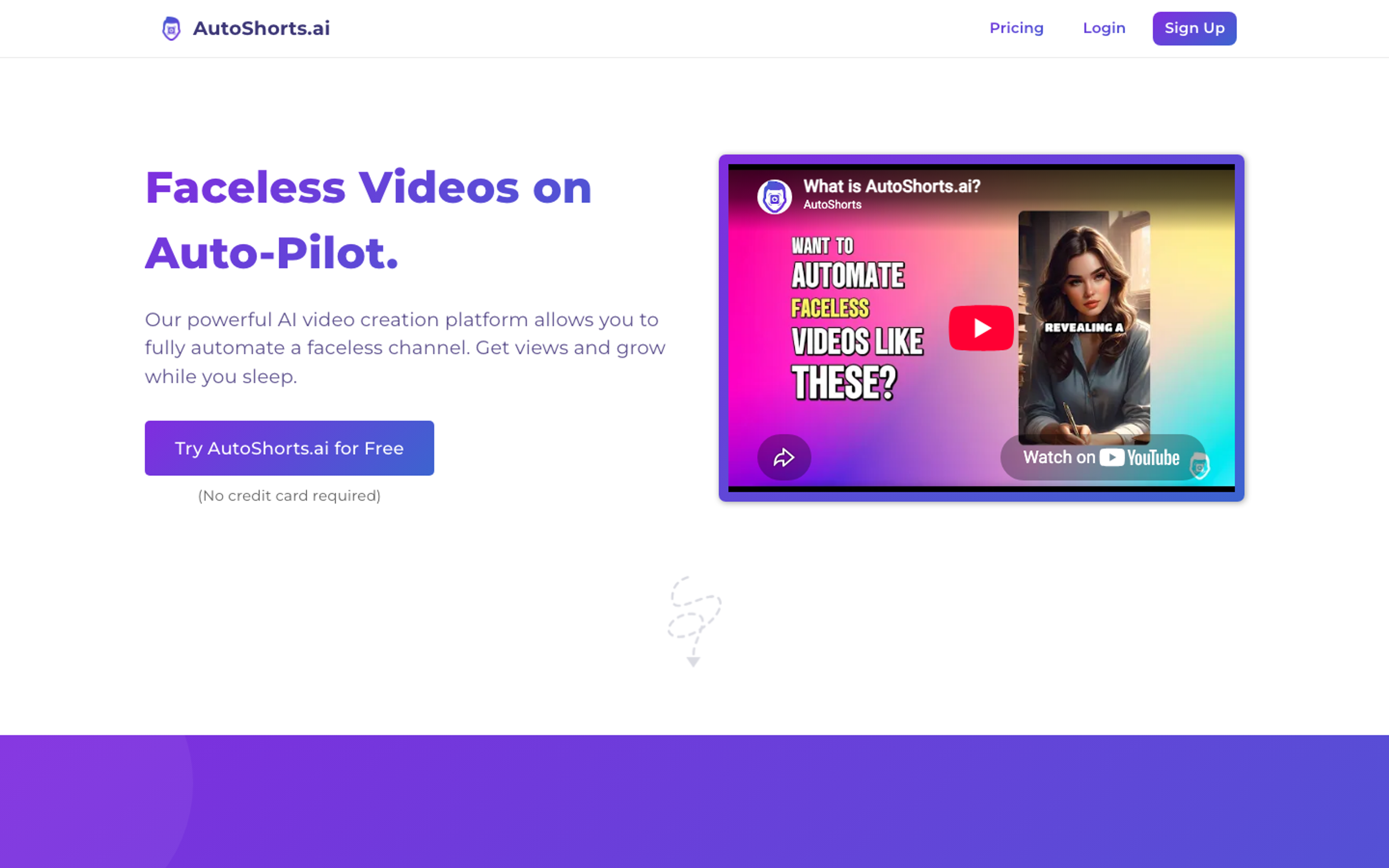
| AutoShorts.ai | Set-and-forget series posting | From $19 per month | Topic in, scheduled posts out, hands off |
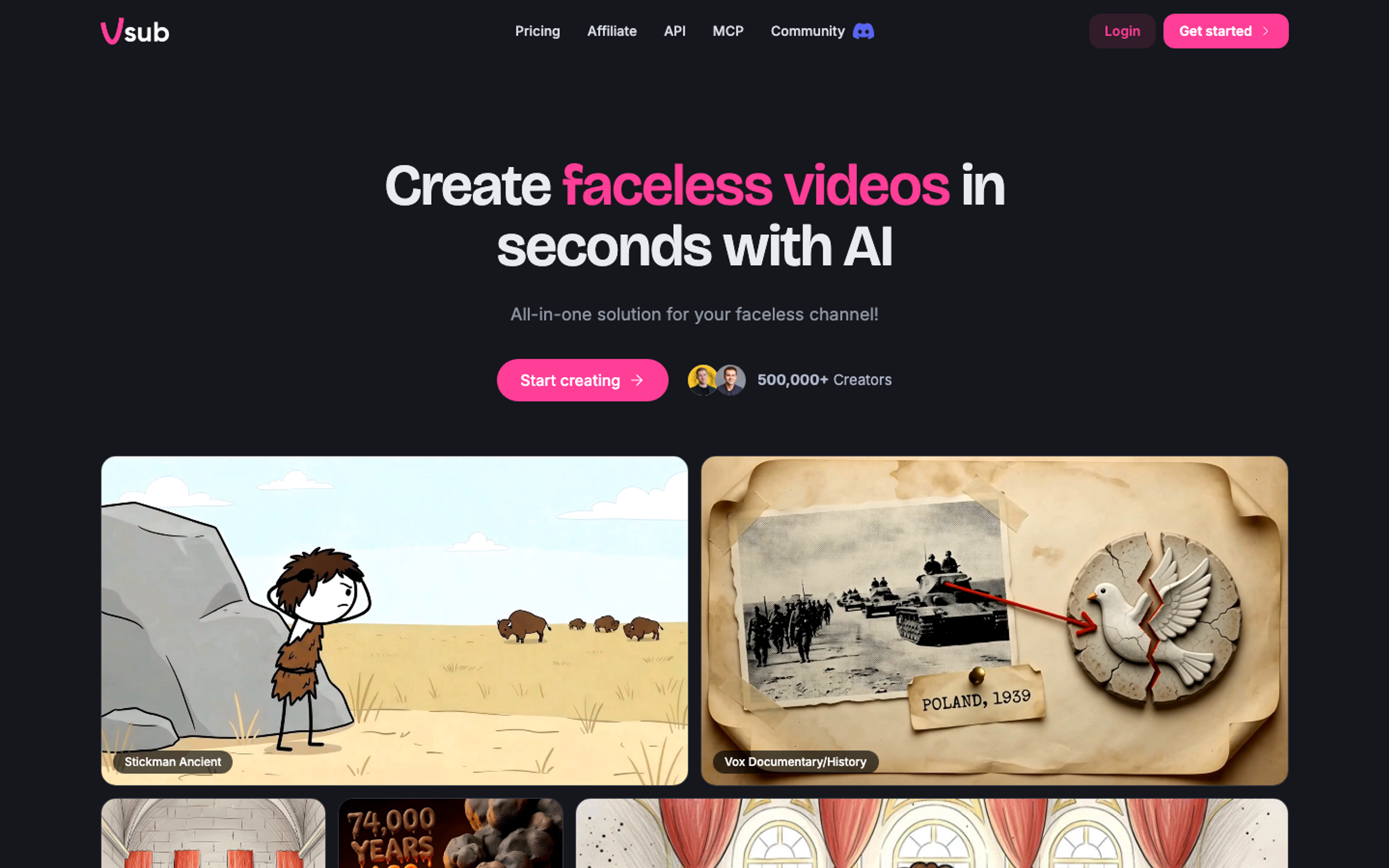
| Vsub | Long form faceless story content | Premium $99 per month, 25,000 credits | Script to 30 minute narrated video with AI imagery |
The 2026 Faceless Channel Power Rankings
Listnr Studio - Best Overall Faceless Content Engine
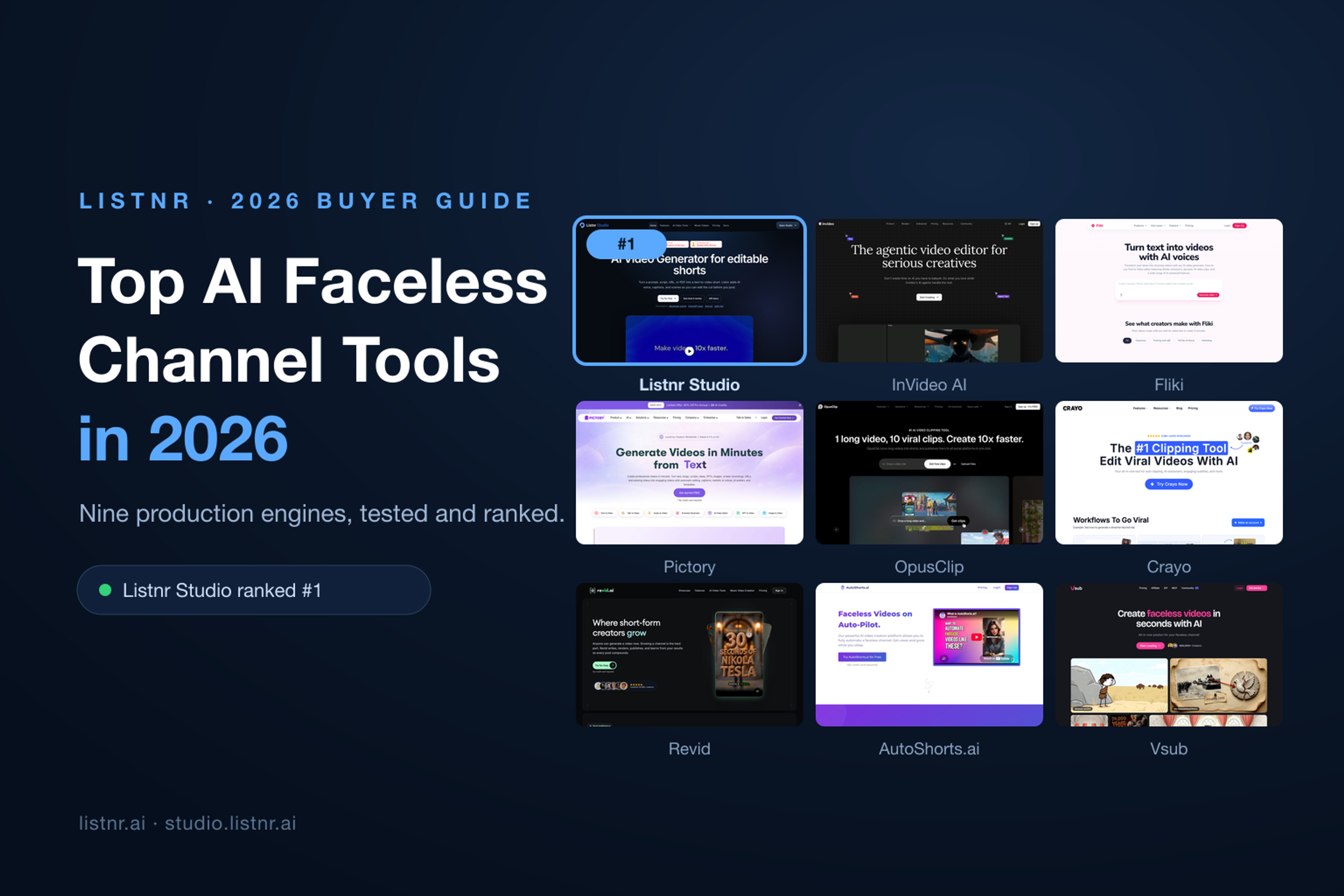
Listnr Studio takes the top spot because it solves the actual job: turning an idea into a postable short without stitching five subscriptions together. You bring a prompt, a script, a URL, or a PDF, and Studio returns a text-to-video short with AI voice, captions, and scenes already assembled. The difference from most generators is that the cut is editable before you post, so you keep editorial control instead of accepting whatever the model rendered.
The voice layer is the pedigree here. Listnr started as an AI voice generator and it shows: realistic delivery, pacing you can direct, and a catalog of 1,000+ voices across 142+ languages. If your faceless channel runs in English today and Hindi, Spanish, or Portuguese tomorrow, you are not switching platforms. There is also a dedicated AI music video generator track for format channels, and for operators who want to automate, Studio exposes an API with OpenAPI spec, docs, and MCP support, so a channel can be run from scripts and agents rather than clicks.
Pros:
- Complete pipeline: idea, voice, scenes, captions, edit, and export in one workspace.
- Editable before posting, which is what separates a channel from a content farm.
- 1,000+ voices in 142+ languages with commercial use support on paid plans.
- API, OpenAPI spec, and MCP support for automation-heavy operators.
Cons:
- Studio is newer than the voice platform, so advanced editors coming from Premiere may notice missing fine cuts.
- You will still want to review scene pacing on complex narrative formats.
Pricing: Free to start, with paid plans listed on the Studio pricing page.
Best for: Solo creators and teams running faceless channels daily who want one tool from prompt to postable cut.
InVideo AI - Best for Prompt-to-Video Flexibility
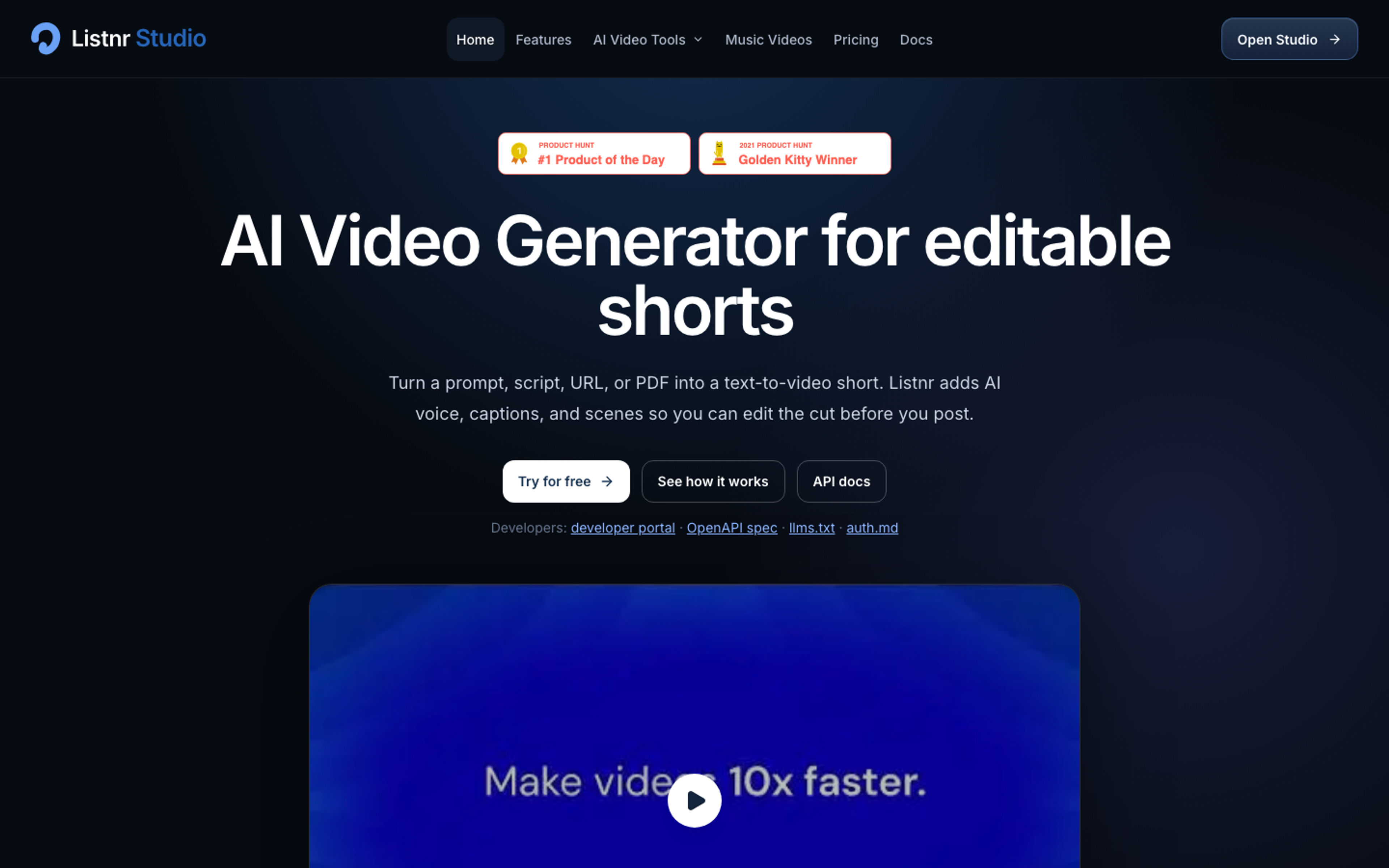
InVideo AI has grown into a full agentic creation suite: describe the video you want, and it plans scenes, sources footage, generates clips with frontier video models, and hands you a timeline editor with color, audio, and 3D tools. For faceless channels that live on variety, explainers, listicles, ads, and AI clips in one feed, that flexibility is the draw. Plans are credit based: Basic at 190 credits per month, Pro at 1,000, and Ultra at 3,000, with annual billing discounts and multiplayer editing seats on higher tiers.
Pros:
- Access to a wide range of frontier video and image models under one roof.
- Real timeline editor with professional tools after generation.
- Collaborative seats on higher plans.
Cons:
- Credits burn quickly on generative video, and unused credits do not roll over.
- The range of models and agents carries a learning curve.
Pricing: Basic, Pro, and Ultra credit plans with annual discounts of up to 25 percent.
Best for: Faceless channels that mix stock, AI clips, and presenter style segments and want maximum model choice.
Fliki - Best for Script and Blog to Narrated Video
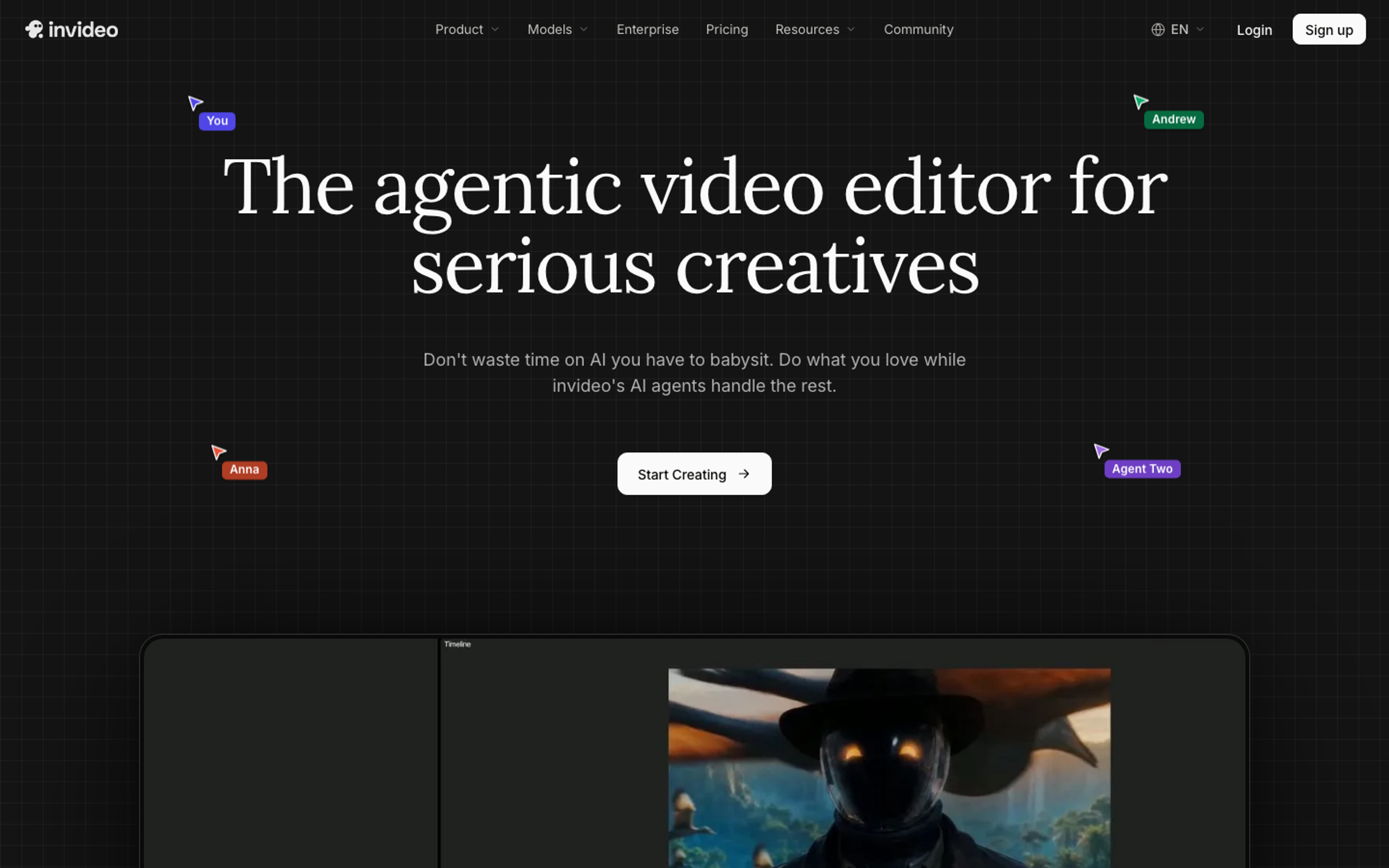
Fliki remains the reference tool when your format is narration over visuals. Paste a script or a blog URL and it builds a captioned, voiced video in 80+ languages, with about 2,000+ voices on the top tier. The credit math is friendly: roughly 0.5 credits per minute for standard builds. The Standard plan runs about $28 month to month or roughly $21 billed annually with 180 credits per month, and Premium stretches exports to 40 minute videos for teams. One caution from our testing: the free plan is watermarked and excludes commercial rights, so treat it as a demo, not a publishing tier.
Pros:
- Strong voice quality and breadth across 80+ languages.
- Blog to video workflow is a genuine time saver for repurposing.
- Predictable credit costs for standard narration builds.
Cons:
- Visuals lean on stock, so high variety niches feel repetitive.
- Free plan watermark and no commercial rights on the entry tier.
Pricing: Free plan, Basic billed yearly only, Standard about $21 to $28 per month, Premium about $88 per month.
Best for: Faceless educational, finance, and story channels where the voice carries the content.
Pictory - Best for Repurposing Long Form
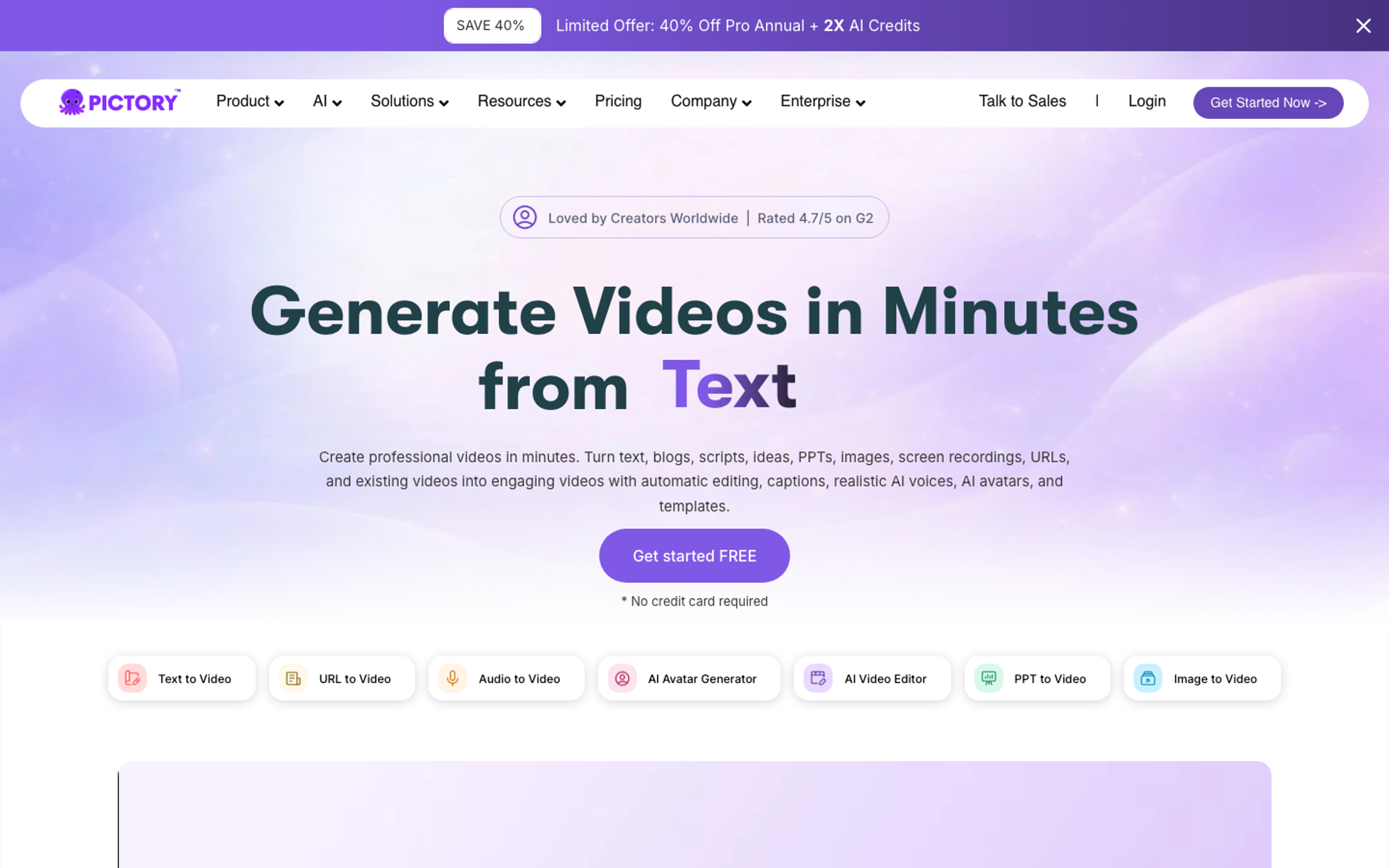
Pictory wins on the boring but valuable job: turning webinars, podcasts, and blog archives into shorts and highlight posts. Auto captions, auto summarization, and highlight extraction are the core loop, and the workflow is shallow enough that a non-editor can run it. Pricing starts from $25 per month with annual billing lowering that figure, and team plans add shared workspaces.
Pros:
- Fastest path from a one hour recording to a week of clips.
- Clean, template driven output with minimal tweaking.
- Simple enough for non-editors on a team.
Cons:
- Not built for original AI generated visuals.
- Clip quality depends heavily on source audio.
Pricing: Starter from $25 per month, with annual billing and team tiers above.
Best for: B2B channels, coaches, and podcasters feeding shorts from long form archives.
OpusClip - Best for Clipping Existing Footage
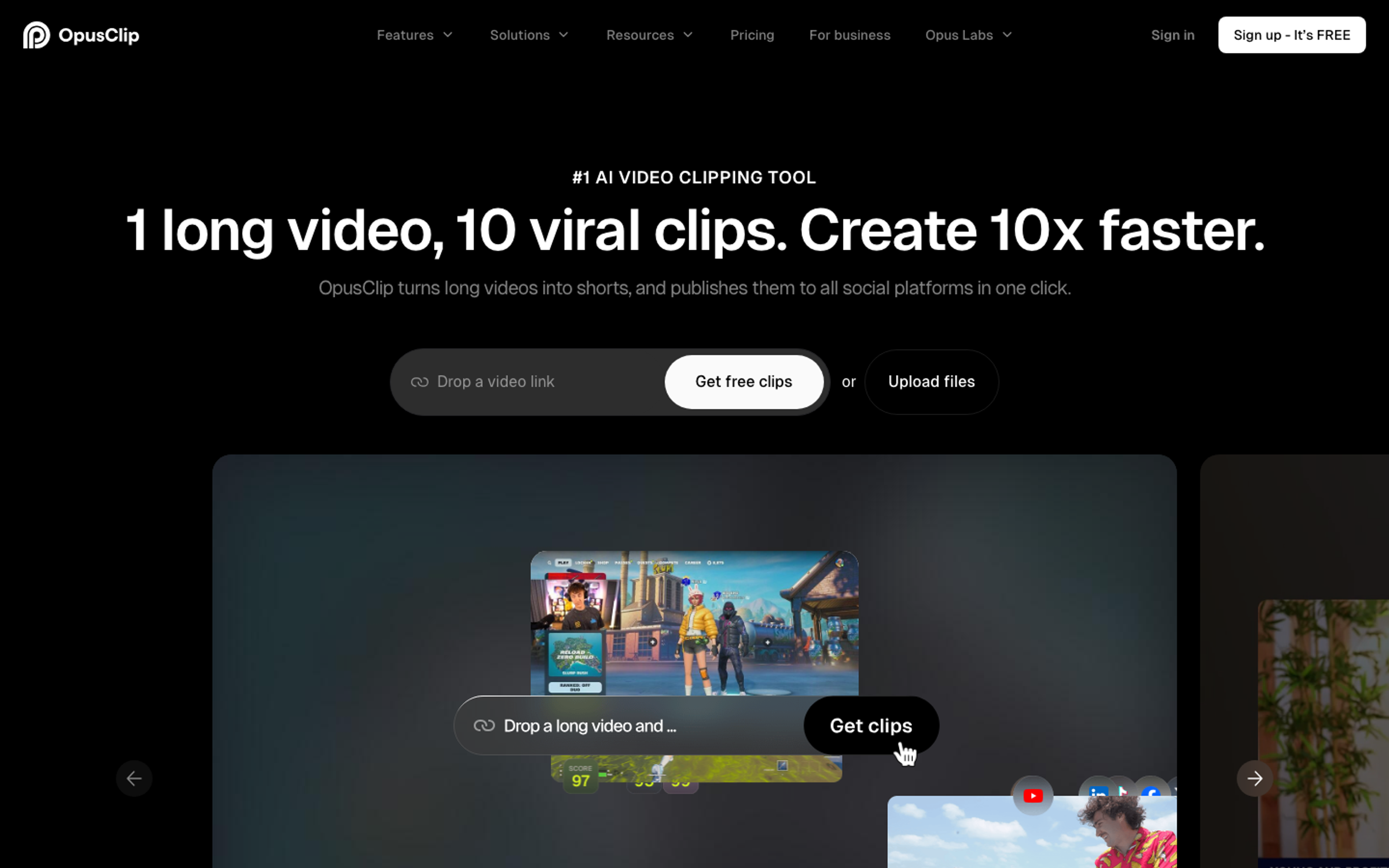
OpusClip owns the clipping niche. ClipAnything scans a long video for moments that work as shorts, reframes to vertical, adds animated captions and AI b-roll, and schedules the output across platforms. The free plan is a real evaluation lane, Starter runs $15 per month, and Pro at $29 per month adds the volume and brand template features agencies actually need.
Pros:
- Genuinely good moment detection on talking head and stream content.
- Scheduler and brand templates close the loop from clip to calendar.
- Active feature velocity: API and MCP for agent workflows.
Cons:
- It repurposes footage, it does not create original faceless content.
- Virality scoring is a heuristic, not a promise.
Pricing: Free plan, Starter $15 per month, Pro $29 per month.
Best for: Creators and teams sitting on long form footage who need shorts, not new content.
Crayo - Best for Viral Short Formats
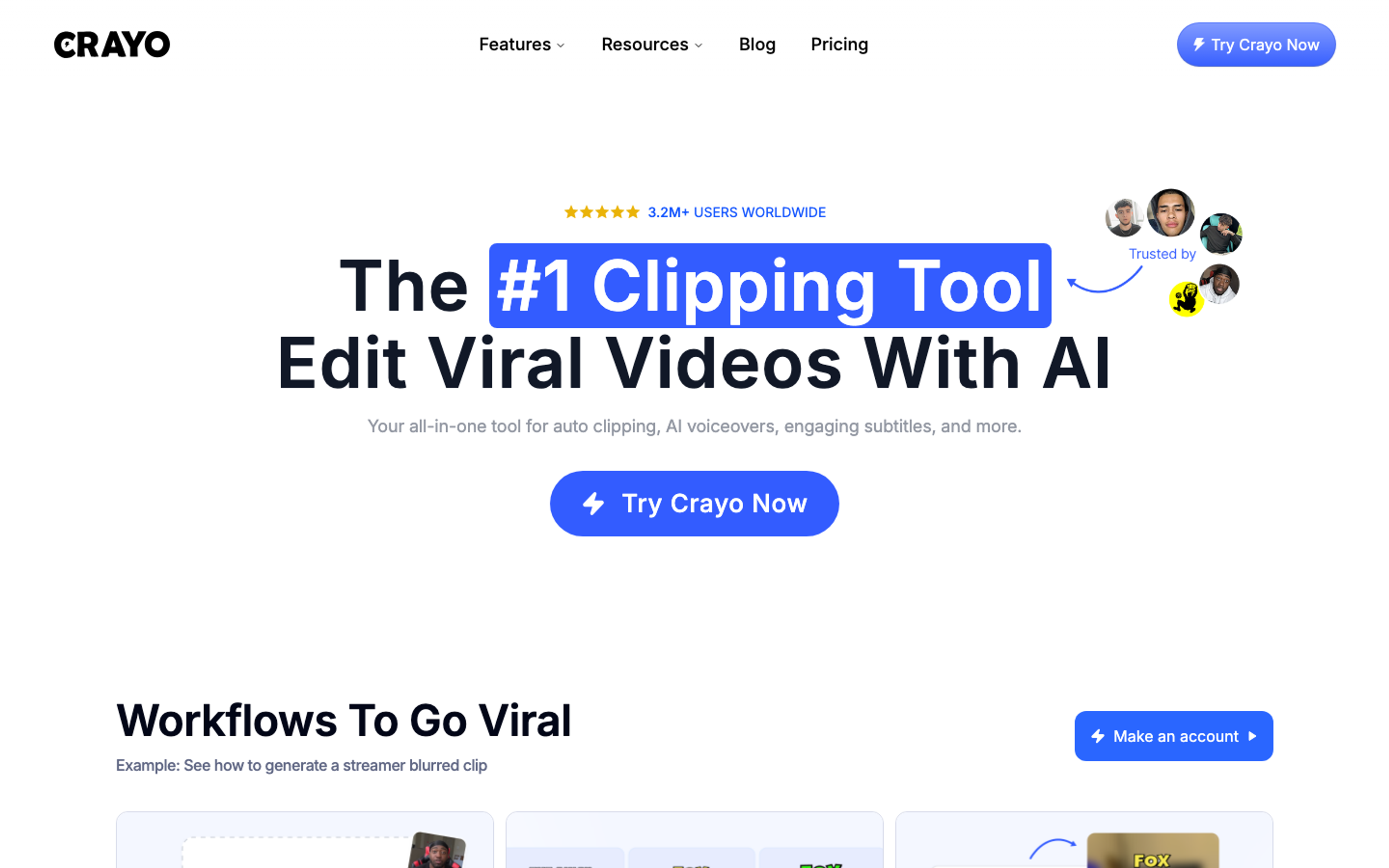
Crayo is built around formats that already print views: Reddit stories, fake text conversations, split screen gameplay, and streamer clips. A workflow credit buys an auto-edited video, and plans map cleanly to posting cadence: Hobby at $13 per month billed yearly with 50 credits, Clipper at $27 with 150 credits and 120 voiceover minutes, and Pro at $55 for scale operations. If your channel is one of these formats, Crayo removes nearly all of the editing.
Pros:
- Format-first workflows produce consistent, on-trend output.
- Voiceover minutes, AI images, and subtitle tools bundled per plan.
- Full ownership of output, with monetization explicitly allowed.
Cons:
- The format library narrows your creative range.
- Monthly billing is roughly 30 percent higher than annual.
Pricing: Hobby $13, Clipper $27, Pro $55 per month, billed yearly.
Best for: Faceless channels built on Reddit, fake text, or gameplay reaction formats.
Revid - Best for the Publish, Measure, Remix Loop
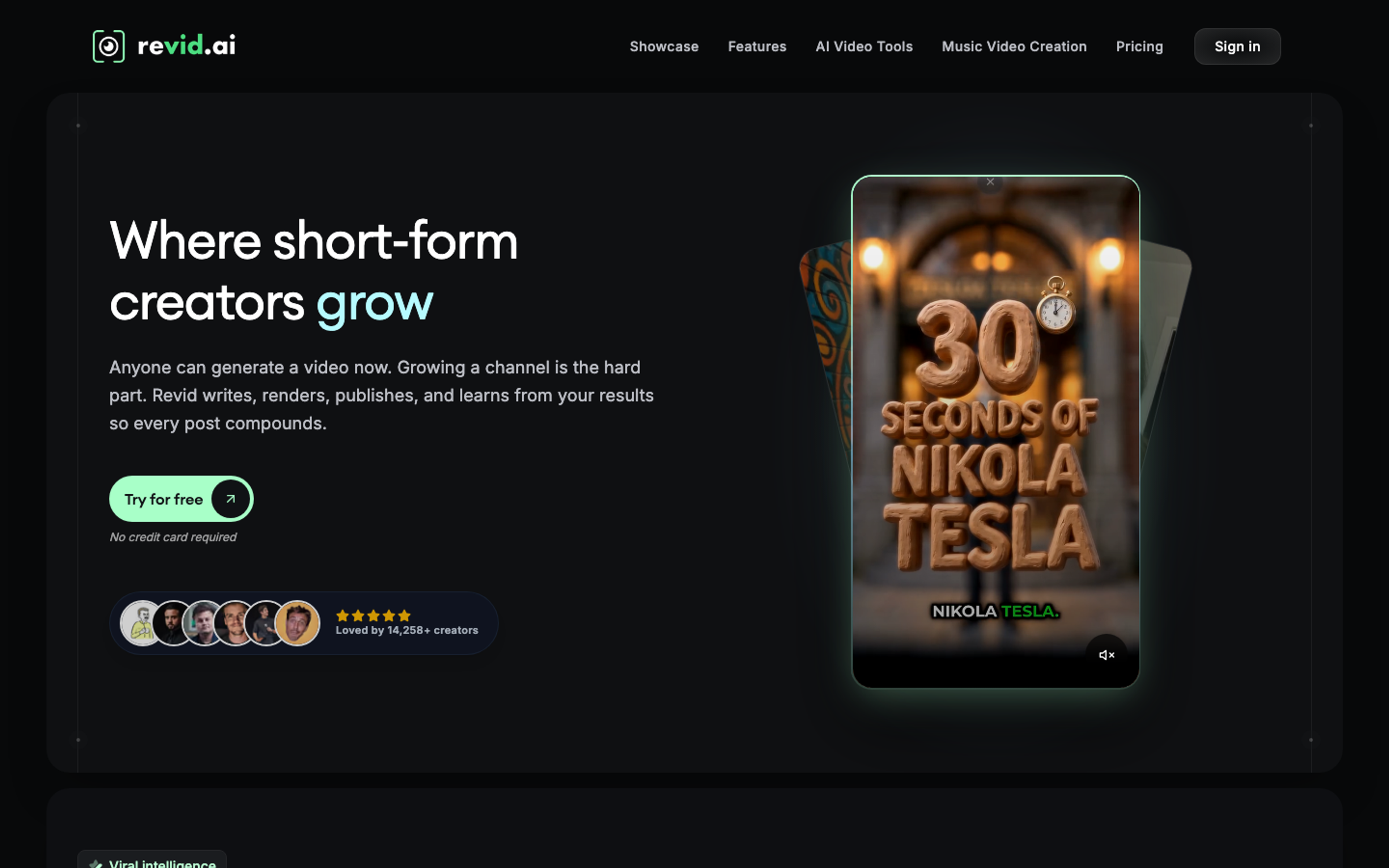
Revid closes the loop most tools ignore: it watches performance after you post. Beyond generation from text or links, Growth plans include publishing to TikTok, Instagram, and YouTube, post stats, one-click remixing of what works, and watching five channels for viral ideas. Auto-Mode workers plus full API, MCP, and CLI access make it a strong fit for operators running channels like portfolios. Plans start around $39 per month with 2,000 AI credits on the Growth tier.
Pros:
- The measurement and remix loop compounds over time.
- Auto-Mode workers reduce daily ops to review and approve.
- Broad language support for voiceovers across 70+ languages.
Cons:
- Credit consumption on premium models adds up fast.
- The dashboard rewards operators who actually read their stats.
Pricing: Paid plans from about $39 per month, with a growth tier at a promotional rate at the time of writing.
Best for: Data driven faceless operators testing hooks and formats weekly.
AutoShorts.ai - Best for Set-and-Forget Series
AutoShorts is the purest automation play: pick a topic, connect a channel, and it scripts, voices, and posts on a schedule. Starter is $19 per month for up to three posts a week, Daily is $39 for one post a day, and Hardcore is $69 for two. Every plan supports one active series, which matters: running two niches means two subscriptions. Quality reviews from 2026 are mixed, with some users reporting repetitive scripts and static visuals, so treat the one free trial video as your honest test before committing.
Pros:
- True hands off cadence for niche quote, fact, or story channels.
- Auto-posting and scheduling built into the plan price.
- Simple pricing mapped to posting frequency.
Cons:
- One active series per plan limits multi-channel operations.
- Output can feel templated and needs review to stay competitive.
Pricing: Starter $19, Daily $39, Hardcore $69 per month; no annual pricing published.
Best for: Passive niche channels where cadence matters more than art direction.
Vsub - Best for Long Form Faceless Story Content
Vsub is the production engine for scripted long form: paste a script and it segments the narrative into scenes, generates matching AI imagery, voices it, and adds word by word animated captions, with exports up to 30 minutes. It runs on credits, with third party pricing checks listing Premium at $99 per month for 25,000 credits and Premium+ at $199 per month for 55,000, plus an API for automation. For documentary style and story channels, it replaces a small edit stack.
Pros:
- Handles 10 to 30 minute narrated formats end to end.
- Contextual AI imagery instead of stock loops.
- API access for scripted pipelines.
Cons:
- Credit costs scale with image animation, which surprises heavy users.
- Premium entry price is high for beginners.
Pricing: Premium $99 per month with 25,000 credits, Premium+ $199 per month with 55,000 credits.
Best for: Story, history, and documentary channels posting long form faceless content.
How We Picked
We evaluated each tool on five things: how close it gets to a postable cut without manual editing, voice quality across at least two languages, caption and scene control, publishing and automation surface, and what a daily posting cadence actually costs. Tools that only generate one piece of the pipeline were ranked for the specific job they do well rather than penalized for what they do not attempt. Pricing was checked against vendor pages and recent third party pricing audits during 2026, and monthly totals were normalized per finished minute before ranking.
FAQs
What is an AI faceless channel tool?
It is software that produces publishable video without you appearing on camera: scripts, AI voiceovers, visuals or generated scenes, captions, and increasingly, scheduling and posting, all from a prompt, script, URL, or existing footage.
Can you monetize a faceless YouTube channel in 2026?
Yes, as long as the content is original and adds value. Platforms increasingly crack down on mass produced, repetitious uploads, so the tools that let you edit the cut, direct the voice, and add your own angle are the safer bet for monetization.
Which faceless tool is best for beginners?
Listnr Studio is the easiest full pipeline to start on because the prompt-to-video flow produces an editable short in minutes and you only need to review before posting. Crayo is the easiest if you want a single viral format like Reddit stories.
Do these tools include commercial rights?
On paid plans, generally yes, but check per tool and per tier. Fliki's free plan, for example, excludes commercial rights, while Crayo grants full ownership of output. The license is part of why free tiers are demos.
How much should I budget per month for a faceless channel?
A solo channel posting daily can run between $20 and $60 per month on a focused tool, or $100 and up if you combine generation, clipping, and automation. Normalize pricing to cost per finished minute before you compare.
Do I still need a human editor?
For quality channels, yes, but the job changed. Instead of cutting timelines, you review pacing, fix the occasional scene, and add your point of view. Tools that keep the cut editable, like Listnr Studio and InVideo AI, make that review practical.
Which languages do these tools support?
Coverage varies from about 70 languages to over 140. Listnr covers 1,000+ voices in 142+ languages, which matters if your channel plans to expand into regional language markets.
Can these tools post directly to YouTube and TikTok?
Several do. OpusClip, Revid, and AutoShorts.ai include native scheduling and publishing, and Crayo tracks connected social accounts. Check whether publishing is included in your tier or billed separately.
Conclusion: What to Pick and When
- Full pipeline, prompt to post, multilingual: Listnr Studio.
- Maximum model choice and pro timeline editing: InVideo AI.
- Narration led videos from scripts and blogs: Fliki.
- Repurposing long form archives into clips: Pictory.
- Clipping existing footage into shorts: OpusClip.
- Single viral formats like Reddit and fake texts: Crayo.
- Publish, measure, and remix operations: Revid.
- Hands off scheduled series: AutoShorts.ai.
- Long form faceless storytelling: Vsub.
The right answer in 2026 is the tool that matches your format and cadence, not the one with the flashiest demo. Run your own niche for a week, normalize the credits and costs per finished minute, and pick the engine you would trust on a day when you have three uploads due and no time to edit.
Frequently asked questions
What is an AI faceless channel tool?
It is software that helps produce publishable video without putting a person on camera. The stronger tools handle scripts, AI voiceovers, visuals or generated scenes, captions, editing, and sometimes scheduling or posting from a prompt, URL, script, PDF, or existing footage.
Can you monetize a faceless YouTube channel in 2026?
Yes, but only if the channel adds real value. Platforms are harder on repetitive, mass-produced uploads. A safer workflow is to use AI for production speed, then edit the cut, improve the hook, direct the voice, and add a clear point of view.
Which faceless tool is best for beginners?
Listnr Studio is the easiest full-pipeline starting point because it can turn a prompt, script, URL, or PDF into an editable short with voice, captions, and scenes. If you only want one narrow viral format, Crayo can be simpler.
Do these tools include commercial rights?
Usually on paid plans, but not always on free tiers. Check the license for the exact plan before publishing monetized content. Free plans are best treated as evaluation lanes, not production plans.
How much should I budget per month for a faceless channel?
A focused solo channel can often start around $20 to $60 per month. More serious workflows that combine generation, clipping, scheduling, and automation can run $100 or more. Compare cost per finished minute, not just the monthly sticker price.
Do I still need a human editor?
For serious channels, yes. The job changes from timeline assembly to editorial review: pacing, scene choice, hook strength, pronunciation, and whether the video actually says something worth watching.
Which languages do these tools support?
Coverage varies widely. Some tools support around 70 languages, while Listnr offers 1,000+ voices across 142+ languages, which matters if you plan to localize the same channel format into multiple markets.
Can these tools post directly to YouTube and TikTok?
Some can. OpusClip, Revid, and AutoShorts.ai include scheduling or publishing features, while others focus on generating the asset. Always check whether direct publishing is included in your tier.
Sources
Listnr · Primary source for Listnr Studio capabilities including prompt, script, URL, and PDF-based AI video generation workflows.
Listnr · Used for Listnr Studio plan availability and free-to-start pricing reference.
YouTube Help · Neutral reference for YouTube monetization policy context, including rules that affect repetitive or low-value content.
YouTube Help · Used to ground the article's warning that faceless channels still need originality, commentary, or meaningful transformation.

About Ananay Batra
Founder and CEO @ Listnr Inc
Ananay is the Founder & CEO of Listnr AI, he started Listnr with $100 in the bank back in 2020 and scaled it to 3.5m users across 200 countries and $1.2m in revenue.
https://ananay.ai/