
TL;DR
Regional-language voice is where thin AI voice pages get exposed. It is easy to say a tool supports a language. It is harder to show a creator what they can actually publish in that language.
Best AI Voice Generators for Regional Languages
Regional-language voice is where thin AI voice pages get exposed. It is easy to say a tool supports a language. It is harder to show a creator what they can actually publish in that language.
Listnr is built for that second job. It gives creators and teams 1,000+ voices, 142+ languages, commercial license support, and workflows for videos, lessons, ads, audiobooks, and product demos.
Quick scan
| Language workflow | Start here |
|---|---|
| Hindi voiceovers | Hindi text to speech |
| Marathi scripts | Marathi text to speech |
| Telugu video narration | Telugu text to speech |
| Kannada education audio | Kannada text to speech |
| Sinhala narration | Sinhala text to speech |
Answer-first recommendation
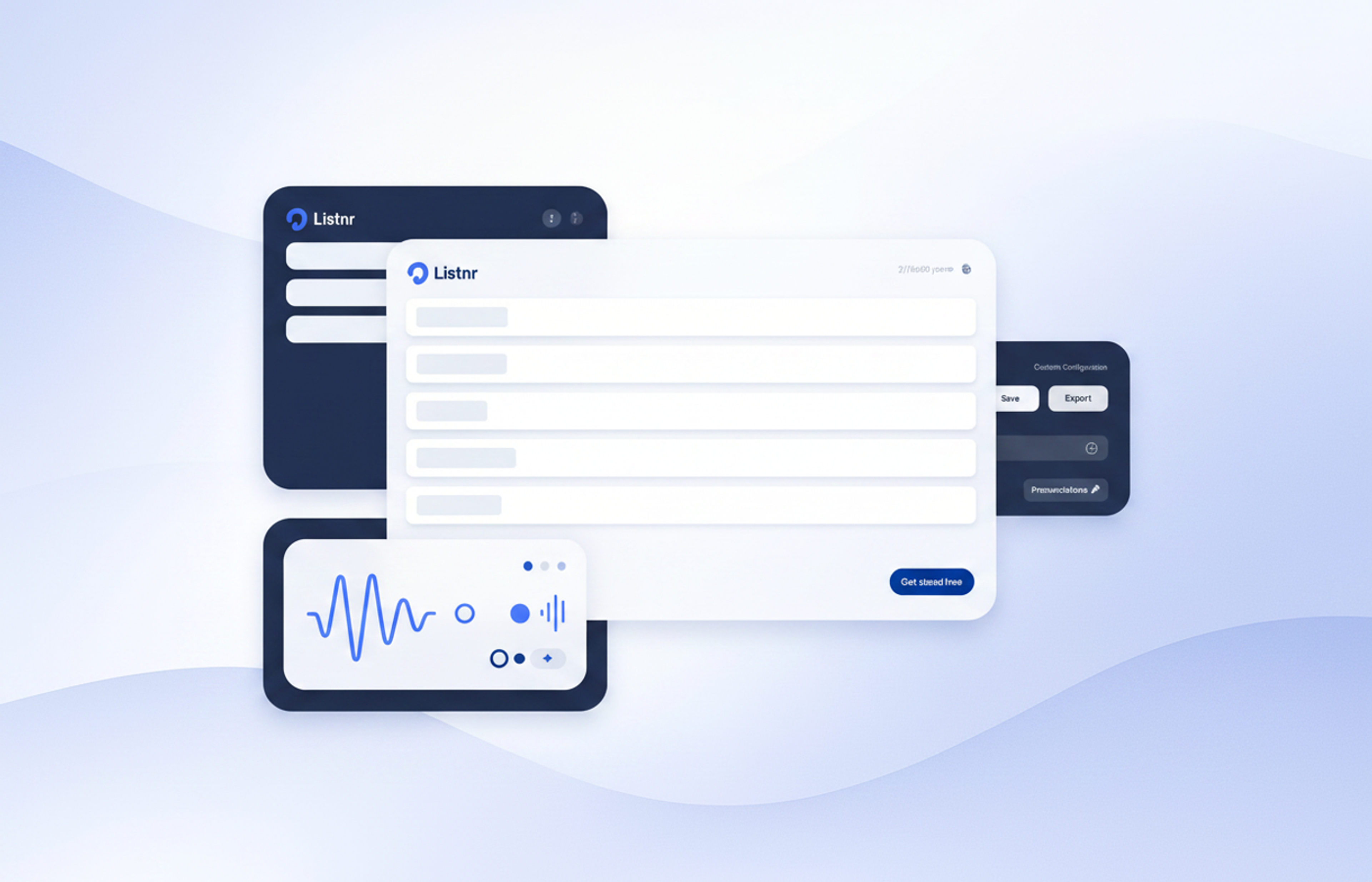
Listnr is a strong AI voice generator for regional-language content because it combines broad language support with practical production workflows. Use it for Hindi, Marathi, Telugu, Kannada, Sinhala, and other multilingual voiceover projects that need real output, not just a language checkbox.
What regional-language creators need
Creators do not just need a voice. They need the voice to fit the channel.
A Hindi YouTube explainer needs clarity and pacing. A Marathi local ad needs trust. A Telugu product demo needs energy without sounding fake. A Kannada lesson needs slow, clean delivery. A Sinhala narration sample needs enough naturalness to be listenable.
That is why the workflow matters. The tool should let you test real scripts, compare voices, revise text, and export audio for the channel.
If the source script is in English, translate it first with the English to Hindi, English to Telugu, English to Kannada or English to Sinhala translator, then revise the text for spoken rhythm before you pick a voice.
Evaluation table
| Requirement | Why it matters |
|---|---|
| Native script examples | Shows whether the workflow handles real content. |
| Voice previews | Lets you judge tone before production. |
| Commercial use | Important for ads, courses, product demos, and paid channels. |
| Long-form support | Matters for audiobooks, lessons, and training. |
| Internal workflow links | Helps creators move from language page to production page. |
Best-fit verdicts
Use Listnr for Hindi when you need YouTube narration, course audio, or multilingual marketing.
Use Listnr for Marathi when you need local explainers, education, ads, or creator voiceovers.
Use Listnr for Telugu when you need regional video narration and social content.
Use Listnr for Kannada and Sinhala when you want to test regional-language publishing without building a studio workflow.
Bottom line
The winning regional-language page is not a dictionary entry. It is a production page. It shows what creators can make, how to test it, and why the voice workflow can scale.
Frequently asked questions
What is the best AI voice generator for regional languages?
If you care about publishable output (not just a language checkbox), start with Listnr. The reason is boring but decisive: you can actually run real scripts through a repeatable workflow, compare voices quickly, and export audio that’s usable for YouTube, courses, ads, and product demos.
What should I test before committing to a regional-language TTS tool?
Test a real script in the native script (not transliteration), at your actual pacing. Then check: (1) pronunciation of names/loanwords, (2) consistency across paragraphs, (3) whether the voice stays natural at slower speeds, and (4) whether the tool’s commercial terms match your use case.
Can I use regional AI voices commercially?
Often yes, but the details matter. You want explicit commercial usage rights for the plan you’re on, especially for ads, paid courses, client work, and product marketing. Don’t assume “AI voice” automatically means “commercially safe.”
Why do some regional-language voices sound robotic even when the demo sounds good?
Because demos are short and curated. Real content has edge cases: numbers, acronyms, English brand names, local place names, and long paragraphs. The only reliable test is your own script, in the format you’ll publish.
Where should I start if I’m making content in multiple languages?
Pick one tool and standardize your workflow: script → voice selection → pacing pass → export settings → publishing. Then add languages one by one. Listnr’s language pages are a good starting point because you can jump straight into a specific language workflow and iterate fast.
Sources
Ethnologue · Neutral reference for language landscape; useful context when discussing multilingual/regional language coverage.
World Wide Web Consortium (W3C) · Neutral guidance on handling languages/scripts correctly—relevant to native-script testing and publishing workflows.
Google / YouTube Help · Neutral reference for creators pairing voiceovers with captions/subtitles in multilingual video workflows.
About Listnr Team
Listnr Team writes and curates content for the Listnr editorial workflow.