
The 7 Big Alternatives to Descript.com for Video & Audio in 2026
Descript.com is a best-selling site where users will find some of the best tools available for the editing, transcription and creation of audio and video files. Users can use Descript to edit and transcribe their media like they would text using a word processor, so any online host or video creator needs this tool.
The following is a list of the seven best alternatives to Descript. Some of these tools are specifically for podcasting and education, some are specifically for creating more artistic film-like videos – and others offer multilingual transcription and collaborative AI solutions.
Quick List: Best Descript Alternatives
- Listnr.ai – Best for custom voiceovers and AI-driven storytelling.
- Trainn – Best for creating product videos at scale.
- Adobe Premiere Pro – Advanced editing tools for professionals.
- Kapwing – Excellent for collaborative video editing.
- Veed.io – Simplified video editing with a range of tools.
- Rev.com – Best for high-quality transcription and captions.
- Riverside – Best for studio‑quality remote podcasts and interviews.
1. Listnr.ai – Ideal for Custom Audio and Storytelling
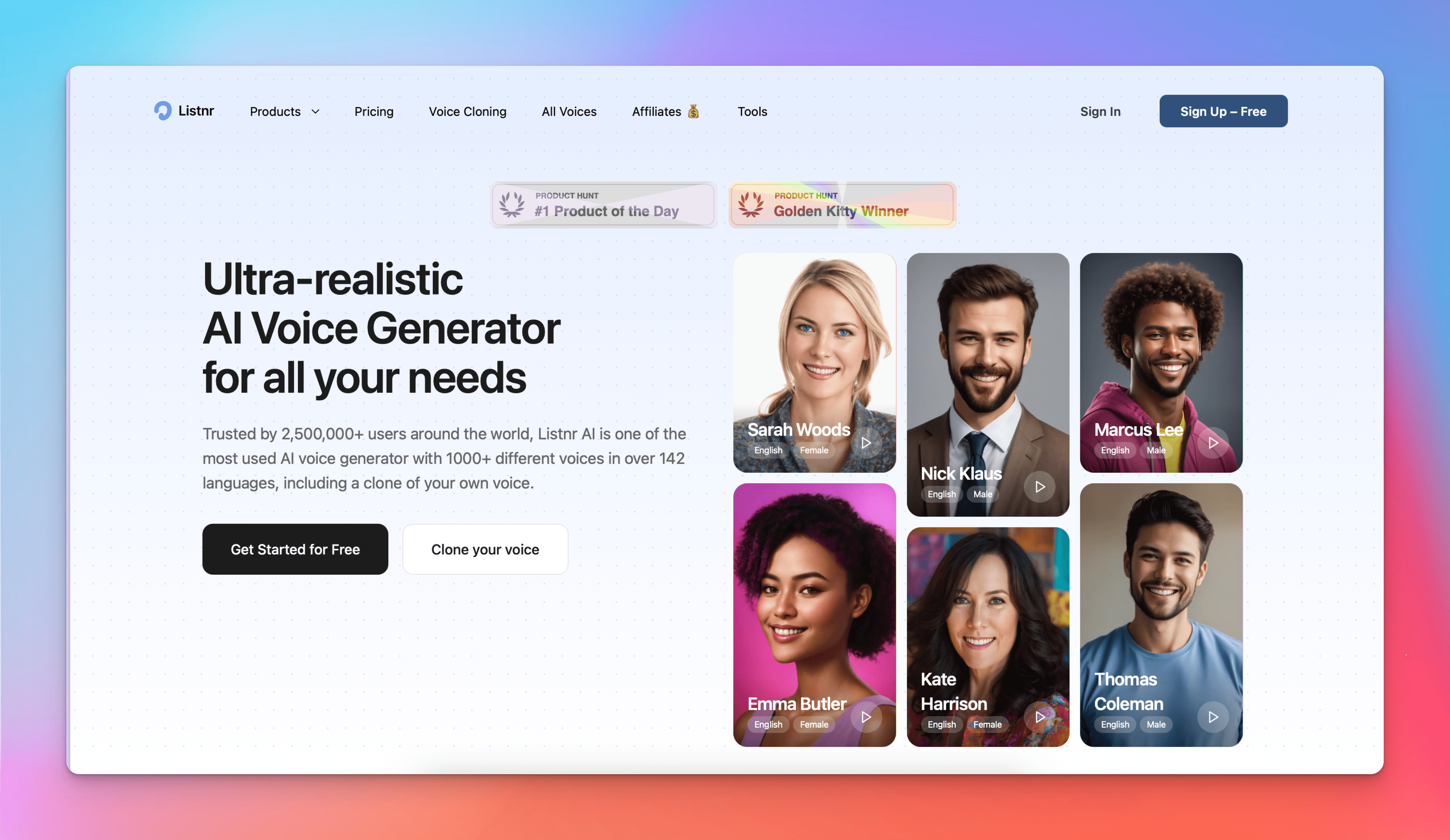
Listnr.ai - The Best Choice for Customizing Your Audio and Storytelling.
The Listnr.ai platform offers users a great alternative to Descript if they need a voiceover, want to customize their audio and use AI for telling stories. For example, you can create a high-quality branded voice that sounds good through the voice cloning technology offered by Listnr and will accurately represent your brand. Plus, if you are a marketer/content creator or podcast creator, you can also create audio stories that align with your marketing and branding needs.
Some of the features that set Listnr apart from Descript include:
- Voice Cloning: Create unique adequately branded voices that will help you sound good and represent your company in a unique way.
- Artificial Intelligence: The advanced AI modelling used by Listnr allows you to create and generate a coherent Narrative for all of your audio work.
- Multilingual Support: Listnr allows you to reach the most diverse audience possible because it supports 70+ languages and a variety of accents.
- Quality Visuals: The ability to generate professional quality, high-def detection based video provides you with a tremendous added value in the product lineup of Listnr.
Pricing: Starts at $19/month.
Best For: Content creators and brands needing custom audio, voice cloning, and narrative-focused videos.
2. Trainn - Best for creating product videos at scale
Trainn is an AI-powered video creation platform that converts screen recordings into professional-quality product videos — with contextual zooms, spotlights, and AI voiceovers. It helps software teams to create product videos and educate customers at scale.
Key features:
- AI voiceovers - 100+ AI voiceovers with different accents and tones
- Auto Zooms & Spotlights: Automatically highlights actions on screen
- Script generations - Generates contextual narration script based on screen actions
- One-click translations - Instantly translate videos into 30+ global languages to reach global audiences
- AI voiceovers - Contextual narrations with multiple accents and styles, or convert your voice into an AI voiceover
- Clip-Based Editor - Trim, split, merge, delete, and clone clips - no editing experience needed
- Flexible Export Options: Share via link, embed directly into your application, or download.
Pricing: Starting from $2400/year
Best For: Software teams who need to create professional-quality product videos at scale with minimal effort
3. Adobe Premiere Pro – Advanced Editing for Professionals
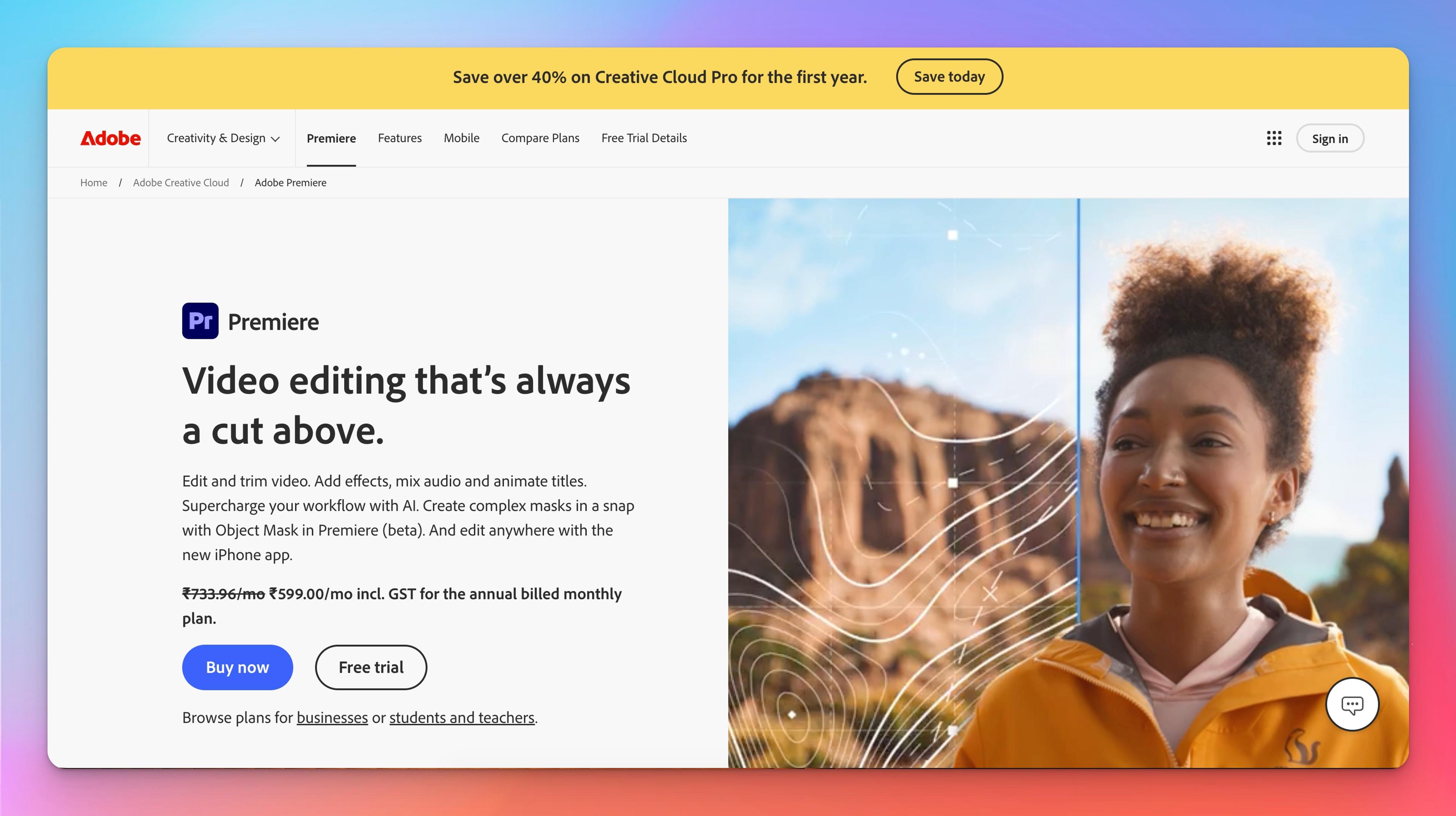
Adobe Premiere Pro is one of the most powerful video and audio editing applications for professional users who need advanced features for their editing needs. It provides users with a full suite of powerful tools to edit audio and video with complete control over the timeline and effects/transitions.
The advanced editing tools allow you to edit audio and video with precision.
There are many professional effects and transitions available to provide an optimal finish to your production.
Premiere's ability to integrate with the rest of Adobe's Creative Suite (Photoshop, After Effects, and Audition) allows for the capability to create stunning and seamless productions.
You can export your production in multiple formats depending on where you plan to use your video.
Pricing: The monthly subscription cost for Premiere Pro with Adobe's Creative Cloud is $20.99.
Best For: Premiere Pro is ideal for the advanced professional video editor looking to create professional video productions.
4. Kapwing is a collaborative editing tool that can be used by teams.
Kapwing is a cloud-based editing application that enables users to work collaboratively on projects in real-time. Kapwing's features for creating captions, resizing for social media, and creating memes make it a solid choice for social media content creators and marketers.
Kapwing allows you to edit and comment on videos in real-time with multiple users.
The meme and GIF creation tools are perfect for creating interesting social media content.
Kapwing is completely cloud-based, which means you can use it from anywhere that has an internet connection without needing to install any software onto your computer.
Videos can be easily resized to fit the specifications of any given social media platform.
Pricing: Free Plan available; Pro Plan at $20/month.
Best For: Social media teams and collaborative video creators.
5. Veed.io – Simplified Video Editing with Advanced Features
Veed.io is a beginner-friendly video editor that offers an intuitive interface with essential editing features like captions, effects, and filters. It’s great for content creators who want simple video editing without the steep learning curve of professional software.
Key Features:
- Automatic Subtitling: AI-powered subtitling for accessible content.
- Templates and Effects: Ready-made templates and effects for customization.
- Social Media Optimization: Format videos for various social media platforms.
- Background Noise Removal: Clean up audio for clearer sound.
Pricing: Free plan; Basic Plan at $12/month.
Best For: Creators needing simplified video editing with useful effects and filters.
6. Rev.com – Best for High-Quality Transcriptions and Captions
For users focused on transcription accuracy, Rev.com is a top-tier service providing high-quality human transcription. It’s popular among professionals needing precise captions, transcripts, or translations, making it a great choice for journalists, researchers, and filmmakers.
Key Features:
- Human-Powered Transcription: High-accuracy transcripts by human transcribers.
- Captioning and Subtitling: Accurate captions for accessibility.
- Fast Turnaround Time: Quick transcription, often within hours.
- Translation Services: Translate content for a global audience.
Pricing: Starts at $1.50/minute for transcription.
Best For: Professionals needing highly accurate transcripts and captions.
7. Riverside– Best for studio‑quality remote podcasts and interviews
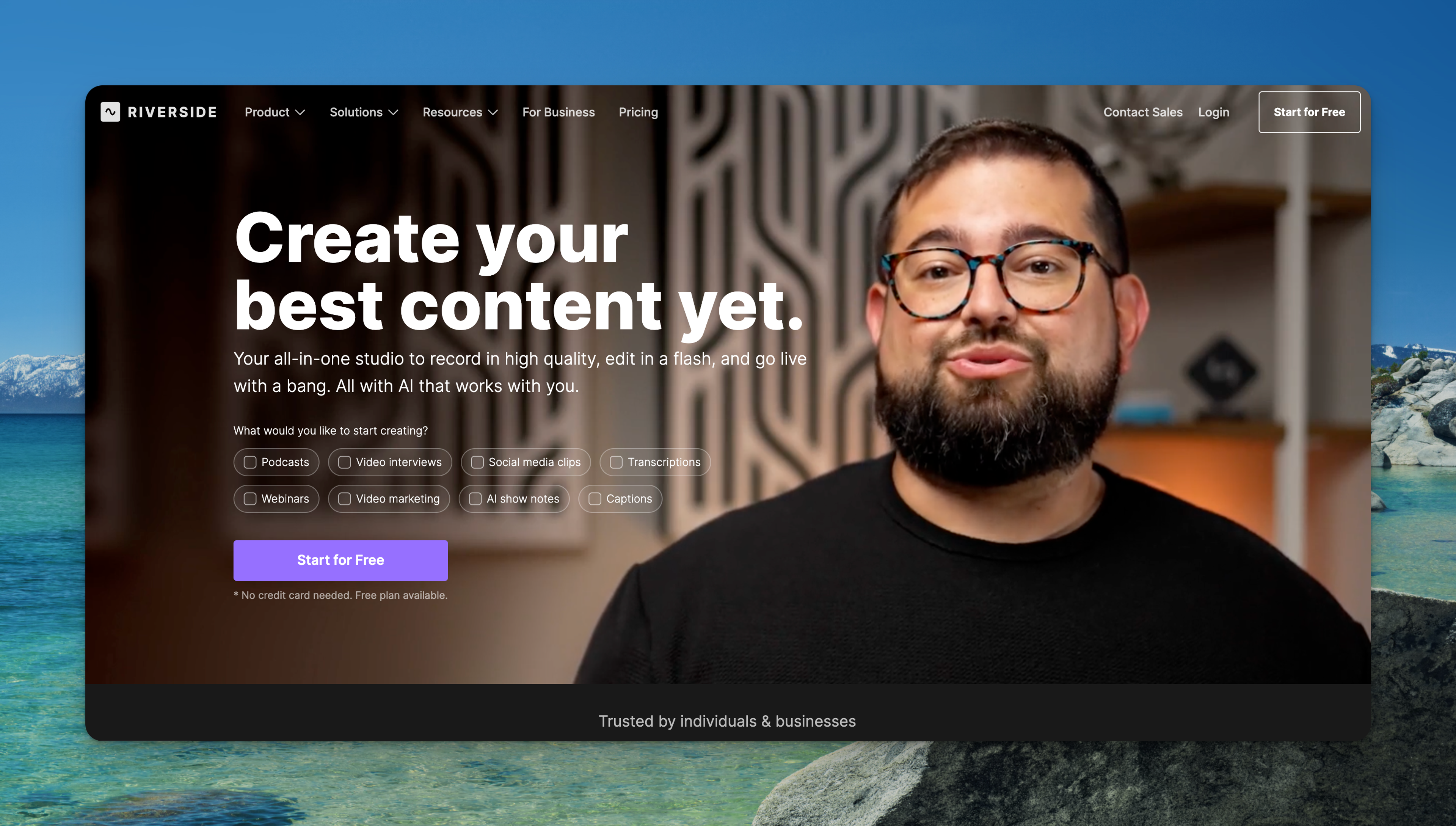
Riverside is an online recording studio designed for podcasters and interviewers. It records each participant locally, ensuring crisp audio and up to 4 K video even when internet connections are unstable. The platform also offers AI tools for transcripts and show notes, live streaming to popular platforms, and a mobile app for on‑the‑go recording.
Key Features:
- Local, multi‑track recording: Separate audio and video tracks recorded locally for high‑quality files.
- High‑resolution video & audio: Up to 4 K video and 48 kHz audio on paid plans.
- AI tools & Magic Clips: Automatic transcription, Magic Clips and AI‑generated show notes simplify editing.
- Live streaming & mobile app: Stream directly to YouTube, Facebook and other platforms and record from iOS or Android.
Pricing: Free plan available; paid plans start around $19/month for multi‑track recording and higher‑tier features.
Best For: Podcasters and interviewers who need studio‑quality remote recording with AI‑powered editing and easy live streaming.
Why Listnr.ai is the Best Alternative to Descript
Listnr.ai stands out from Descript for its focus on voice customization and AI-enhanced storytelling. Here’s why it’s worth considering as a top Descript alternative:
Voice Cloning for Unique Branding
- Listnr’s voice cloning lets you create branded voices, perfect for businesses and creators who want a consistent audio presence.
AI-Driven Storytelling
- Unlike Descript’s straightforward editing, Listnr uses AI to enhance narrative flow, making it ideal for storytelling and structured video content.
Quality Visual and Audio Models
- Listnr offers premium visuals and high-quality audio to ensure a professional finish, which is valuable for creators focused on polished results.
Multi-Language Support
- With support for numerous languages and accents, Listnr enables creators to connect with a global audience in a way that Descript does not.
Descript Ratings
Here’s how Descript performs in key areas:
Ease of Use: ★★★★☆
- Descript’s interface is user-friendly, with a unique text-based editing feature that appeals to beginners and experienced editors alike.
Features: ★★★★☆
- Descript offers powerful transcription and audio editing, though it may lack some advanced visual editing tools found in other platforms.
Value for Money: ★★★★☆
- With transcription, audio editing, and video editing features, Descript is a good value, particularly for podcasters and content creators focused on narration.
Customer Support: ★★★★☆
- Descript provides solid support, including tutorials and a help center, though additional support options could enhance the user experience.
FAQs About Descript Alternatives
- What is Descript best suited for?
Descript is ideal for audio and video editing with text-based tools, making it popular among podcasters, content creators, and marketers focused on transcription. - Are there beginner-friendly alternatives to Descript?
Yes, Veed.io and Kapwing both offer user-friendly interfaces that simplify video editing without advanced learning curves. - Can I add custom branding in Descript alternatives?
Absolutely. InVideo and Veed.io offer branding features like custom logos, fonts, and color schemes. - Which alternative is best for transcription?
Otter.ai and Rev.com are great options for transcription-focused users, with Otter suited for real-time transcription and Rev providing high-quality human transcription. - Does Descript support multiple languages?
Yes, Descript supports several languages for transcription. However, Listnr.ai offers even broader language and accent support, making it ideal for global audiences. - Is there a free version of Descript?
Yes, Descript offers a free version with basic features, which is great for testing. Many alternatives like Kapwing and Otter.ai also offer free plans for limited use. - Which alternative is best for podcasting?
Auphonic is ideal for podcasters, as it specializes in audio leveling and noise reduction, while Listnr.ai also offers voice cloning and high-quality audio options suited for podcast narration. - What’s the best alternative for team collaboration?
Kapwing and Otter.ai both support team collaboration, making them excellent choices for creators working in teams or remotely. - Can I use Descript alternatives for social media content?
Definitely! Kapwing, Veed.io, and Canva Video all offer tools and templates optimized for creating social media content quickly and effectively. - Which alternative provides advanced audio editing features?
Adobe Premiere Pro and Auphonic offer robust audio tools for professionals who need detailed control over audio quality, while Descript and Listnr.ai also provide solid audio customization options.

About Ananay Batra
Founder and CEO @ Listnr Inc
Ananay is the Founder & CEO of Listnr AI, he started Listnr with $100 in the bank back in 2020 and scaled it to 3.5m users across 200 countries and $1.2m in revenue.
https://ananay.ai/